

Resource Center
510 Battery Troubleshooting Guide: How to Fix Common Errors

Continue With This Resource
Got Vape Quick Brief
What You Should Know
Skim this first for the short version: the main points, the questions people ask, and what to consider before you buy.
Overview
Key Takeaways
- Decoding LED blink codes allows users to instantly identify whether a battery requires recharging, thread cleaning, or physical pin adjustment.
- Verifying cartridge diameter before purchasing concealed drop in batteries prevents oversized 2-gram tanks from cracking glass or failing to reach the internal 510 pin.
- Swabbing 510 connection wells and cartridge contact pins with isopropyl alcohol dissolves insulating oil buildup to eliminate misfires and restore full voltage delivery.
- Charging compact vape pens with standard wall blocks protects internal lithium ion boards from voltage spikes caused by fast-charging adapters.
- Threading cartridges until finger-snug keeps base air intake slots open for effortless draws and prevents center pins from being pushed down permanently.
Questions This Resource Answers
- What do common LED blinking light patterns mean on a 510 thread battery?
- How do you fix a connection error or "No Atomizer" alert on a 510 battery?
- Why do need to double check the cartridge size compatibility on your 510 battery?
- Why should you avoid using high-wattage fast-charging USB-C blocks on 510 batteries?
- How does screwing a 510 cartridge on too tightly restrict airflow and cause hard draws?
Recommended Products
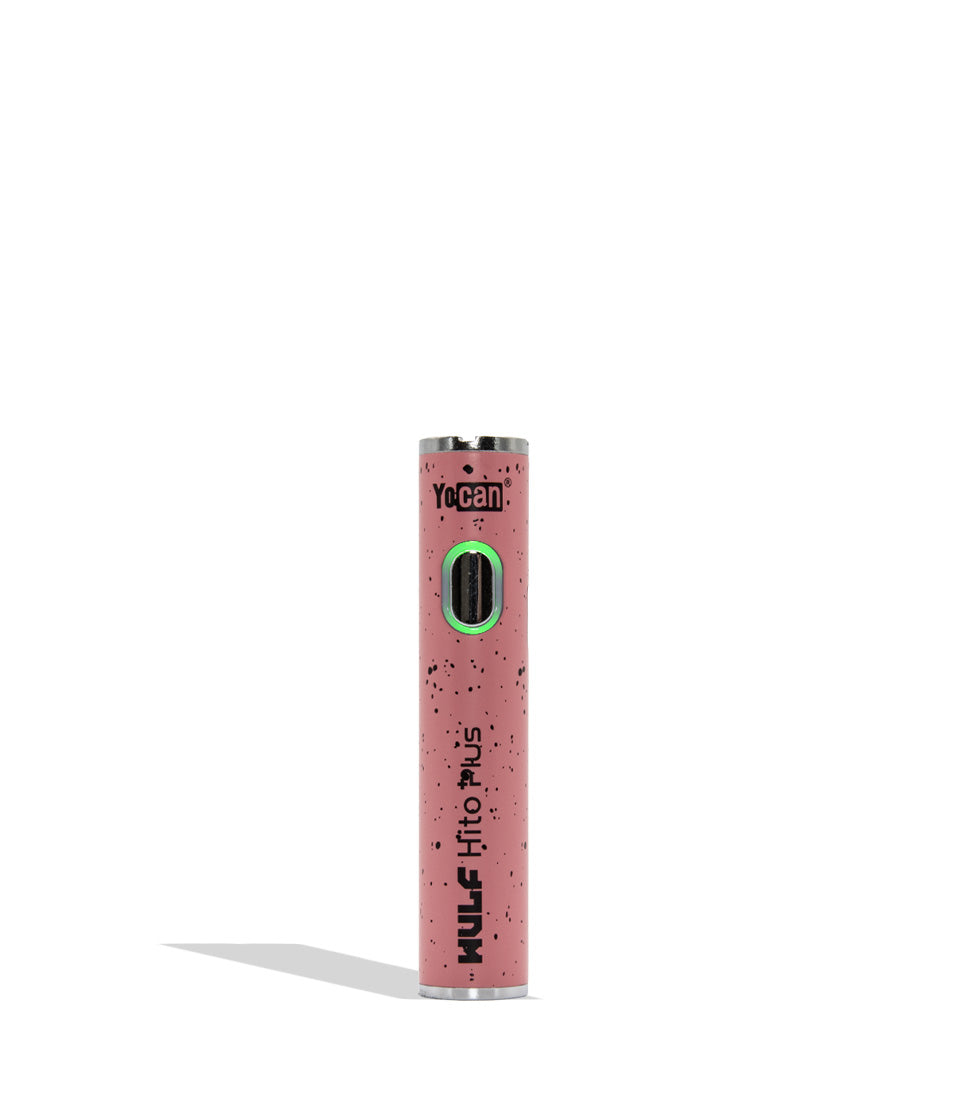
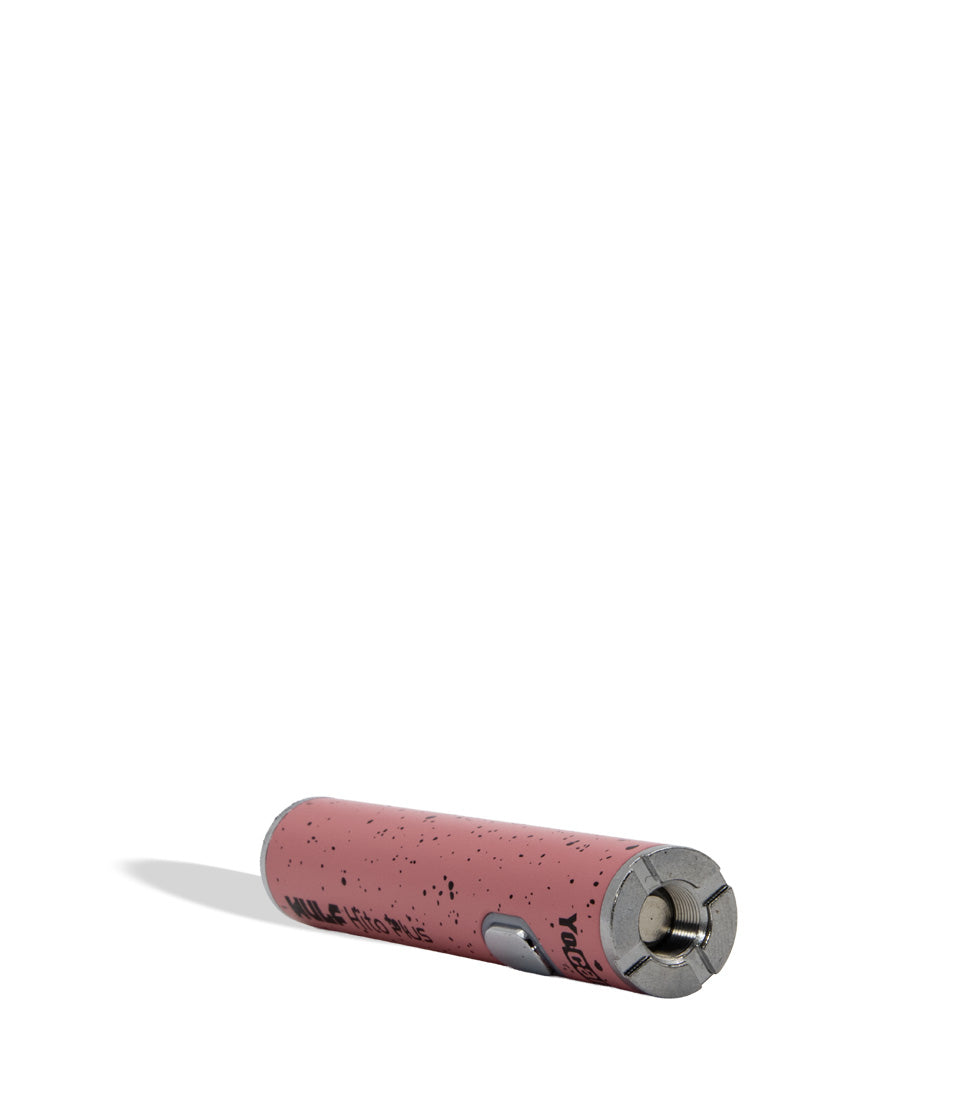
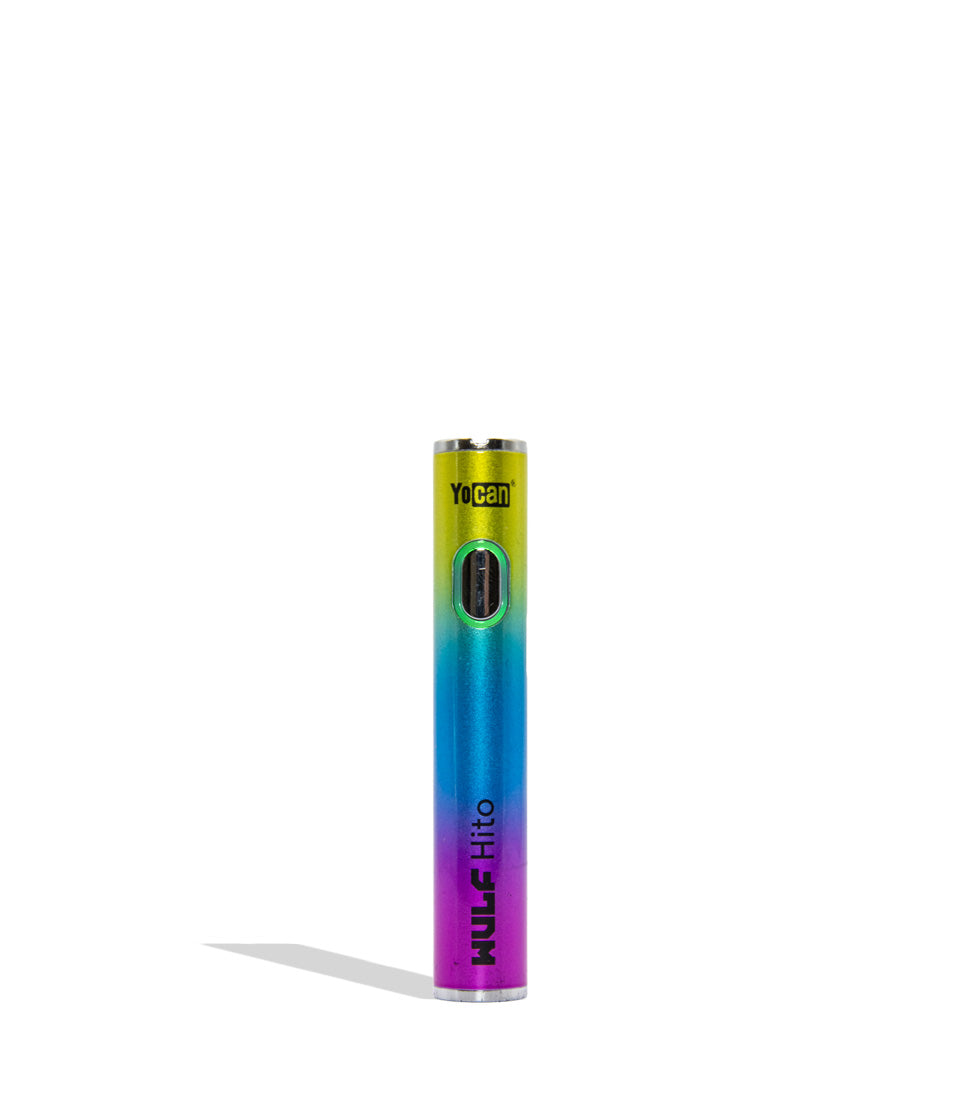
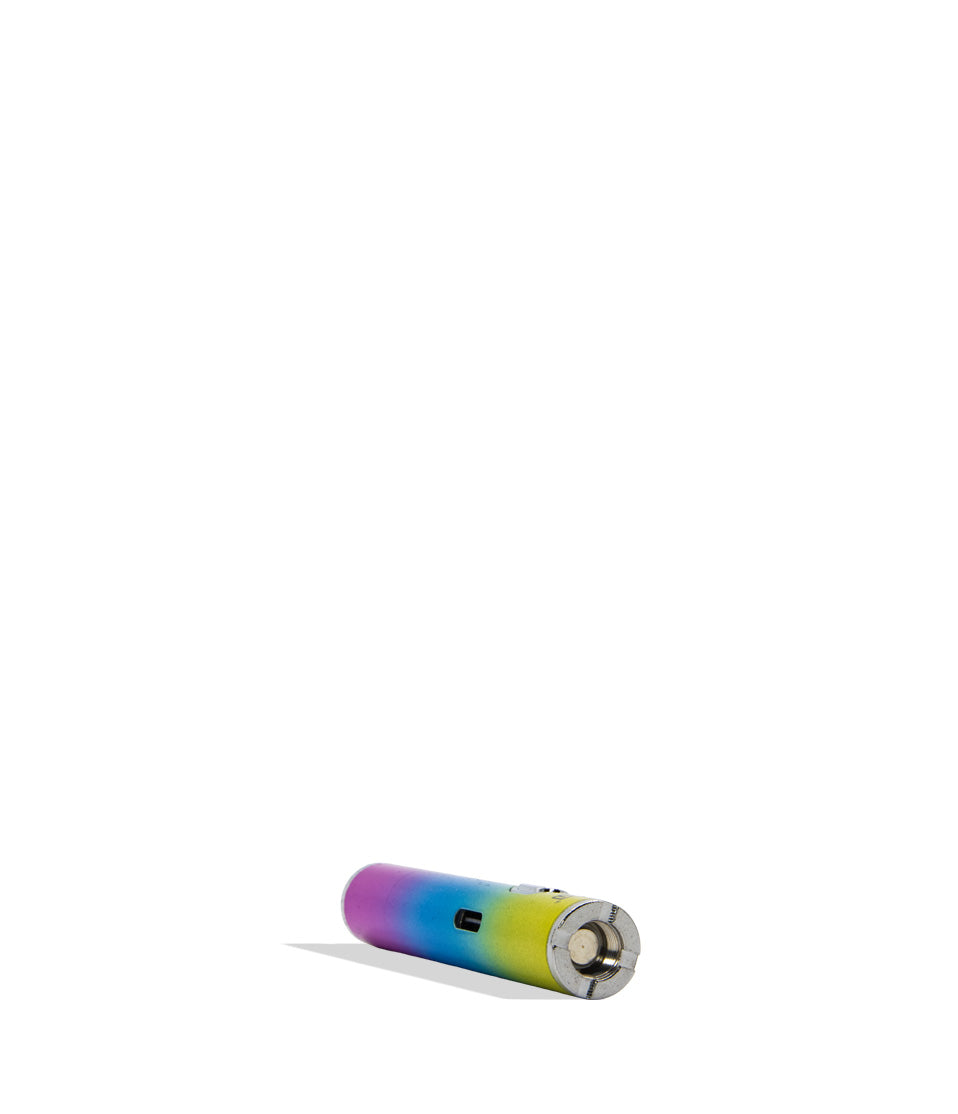
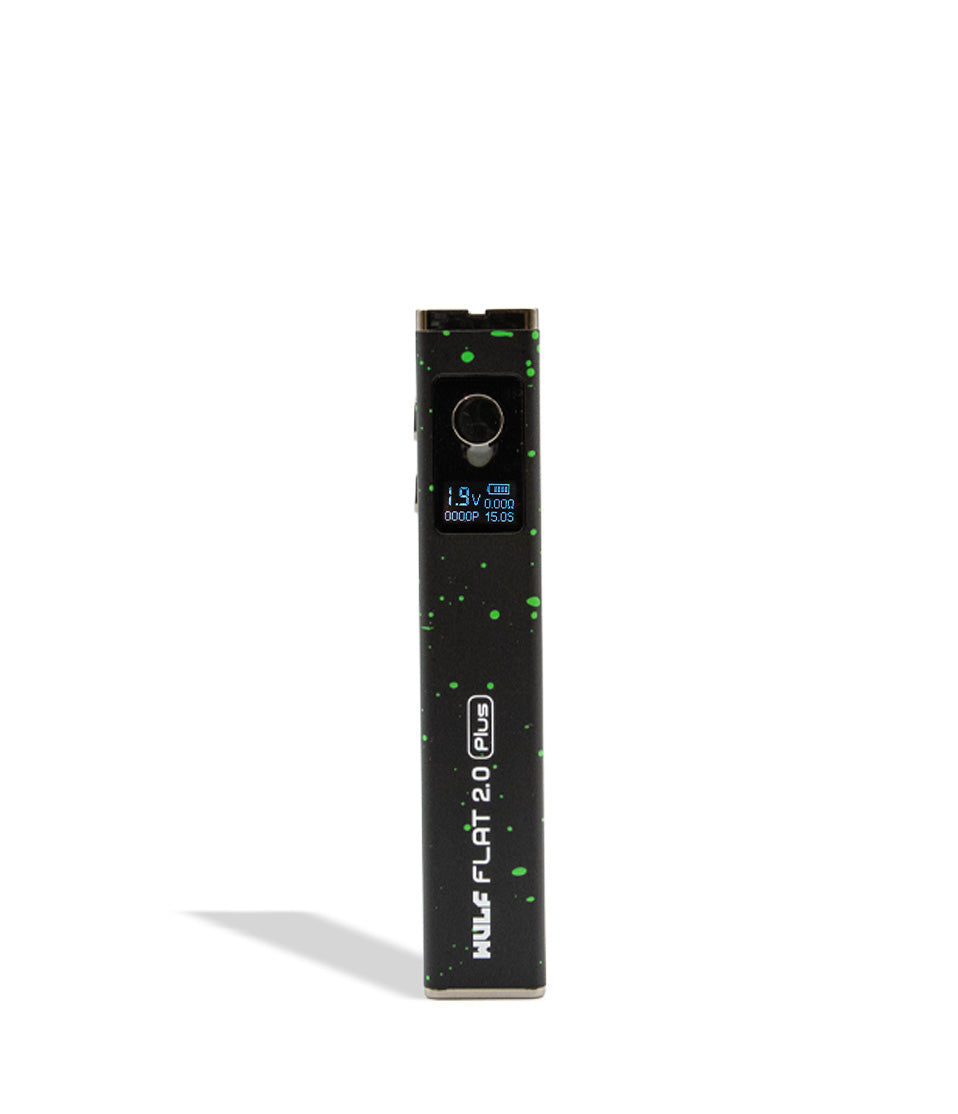
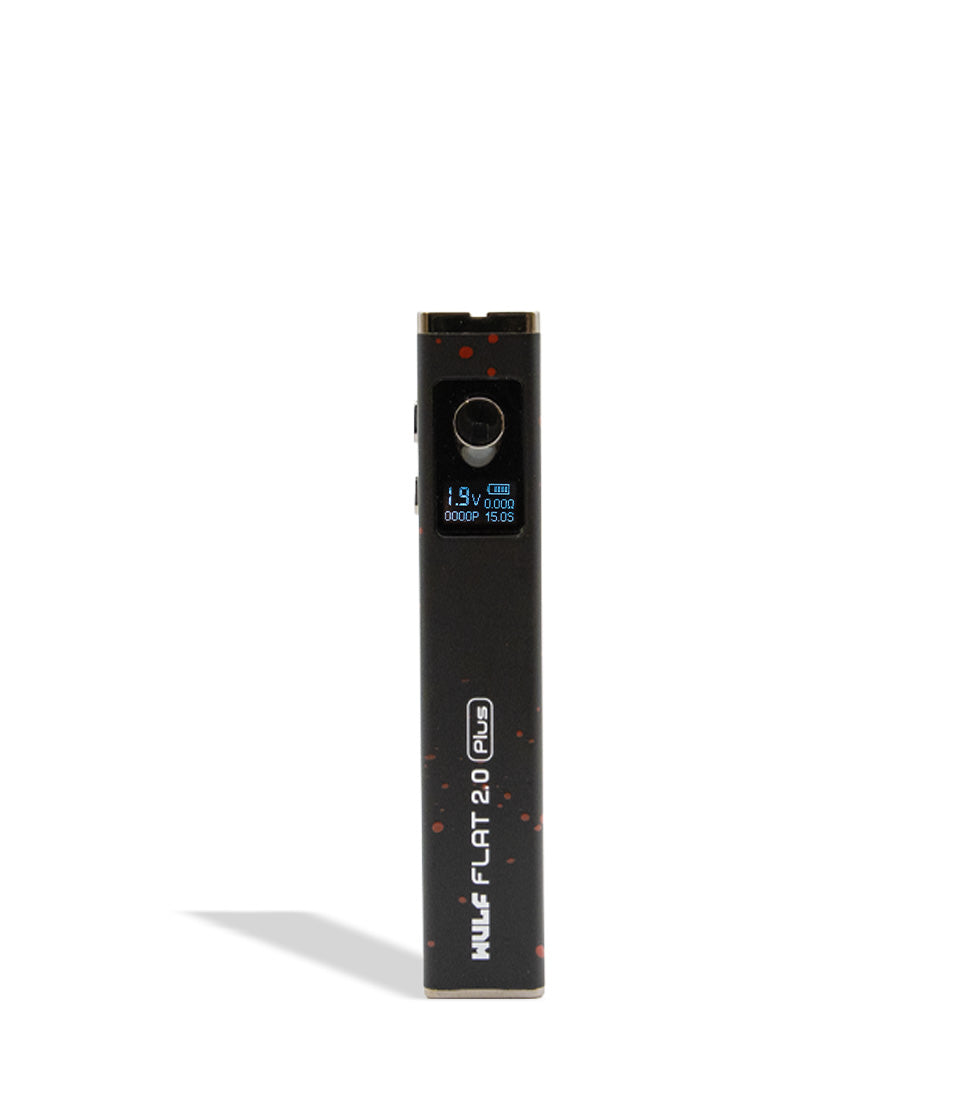
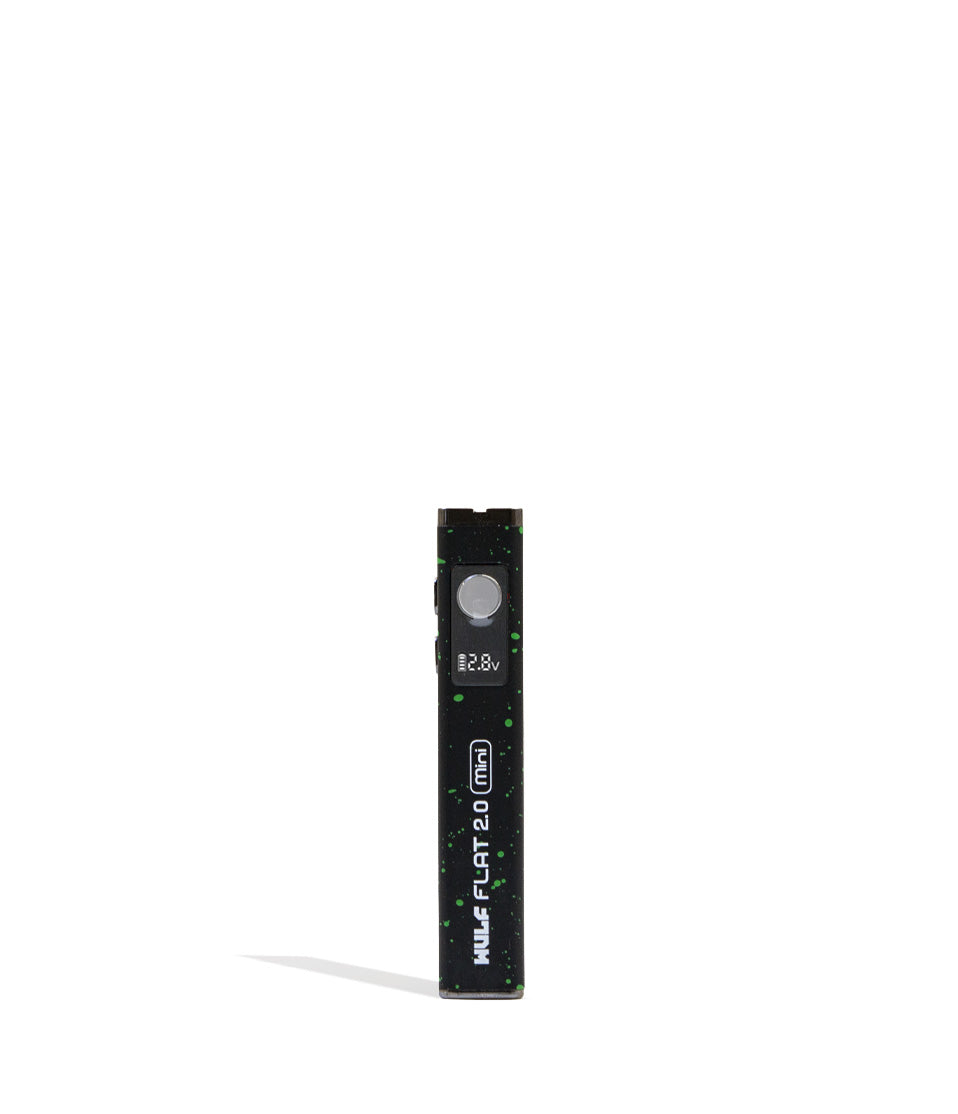
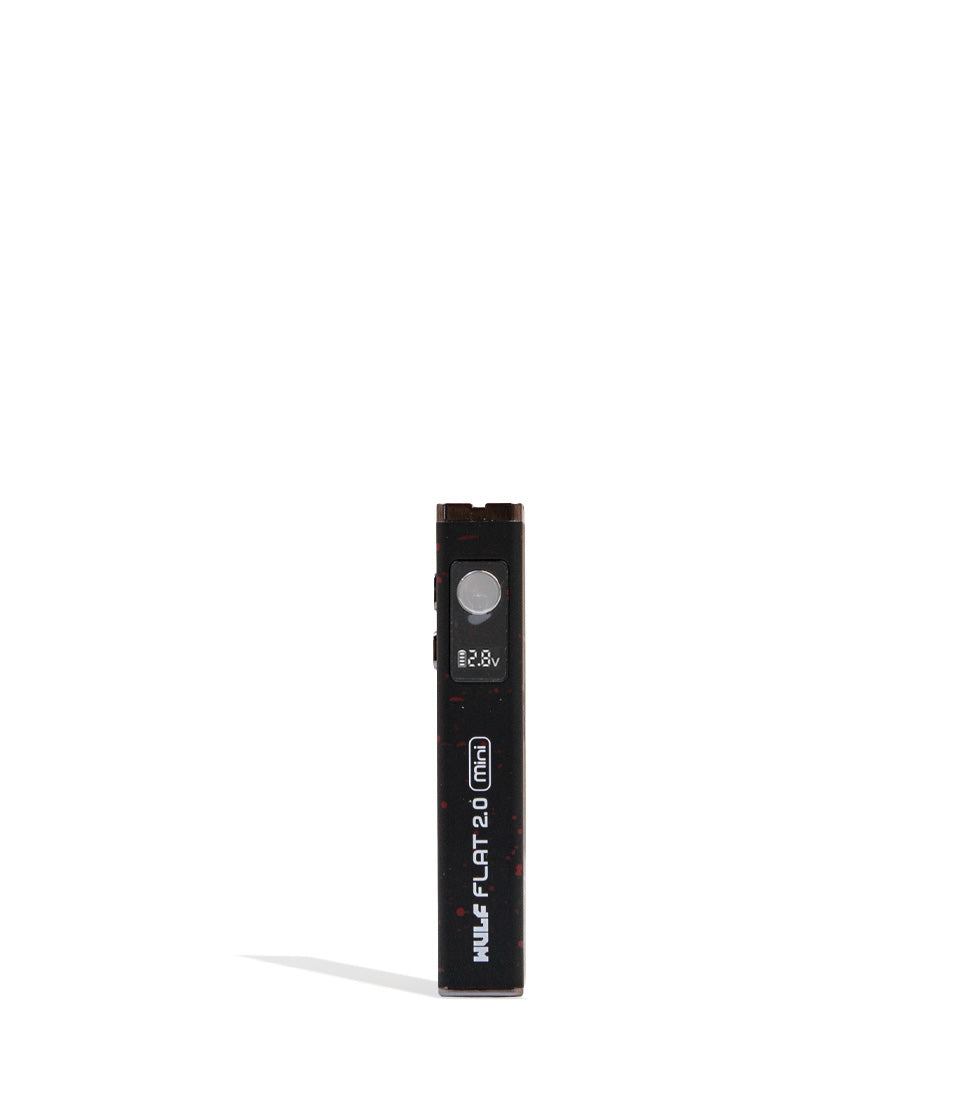
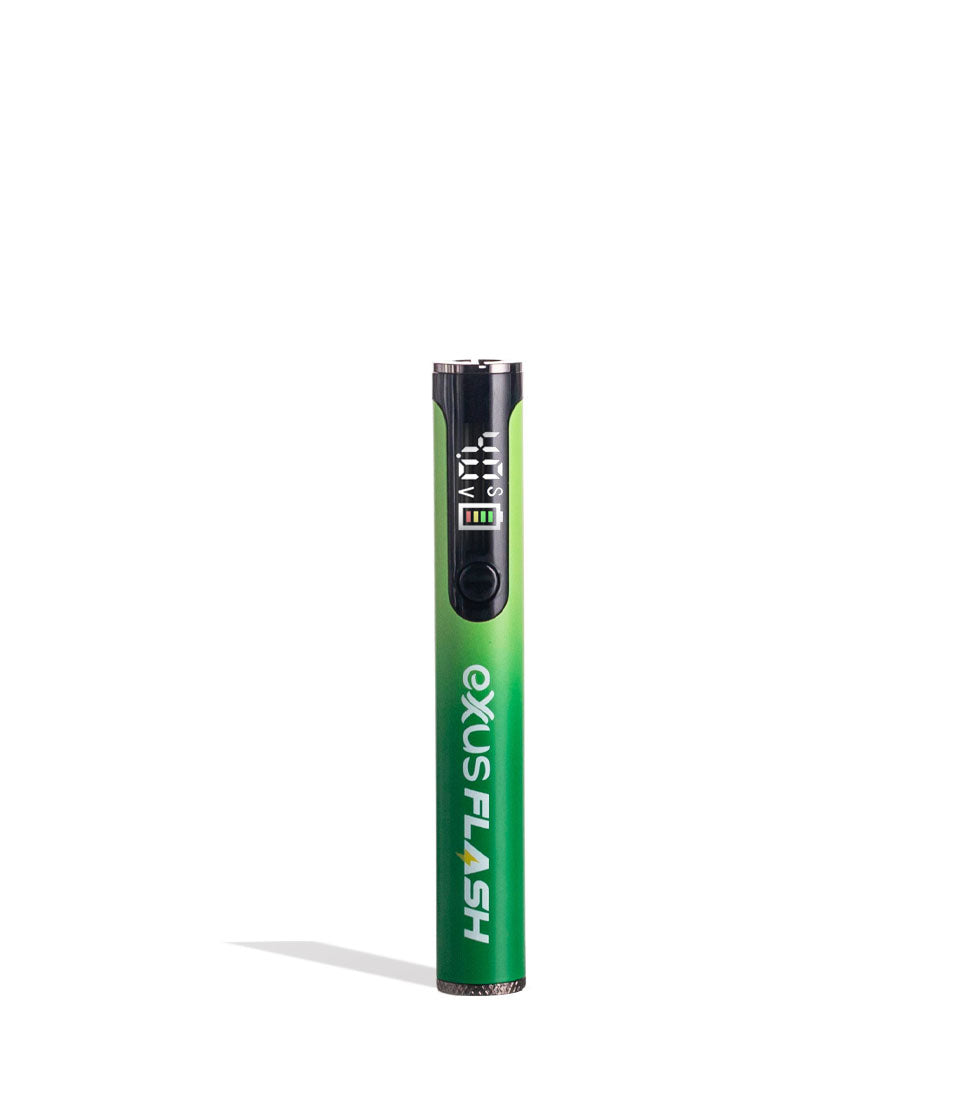
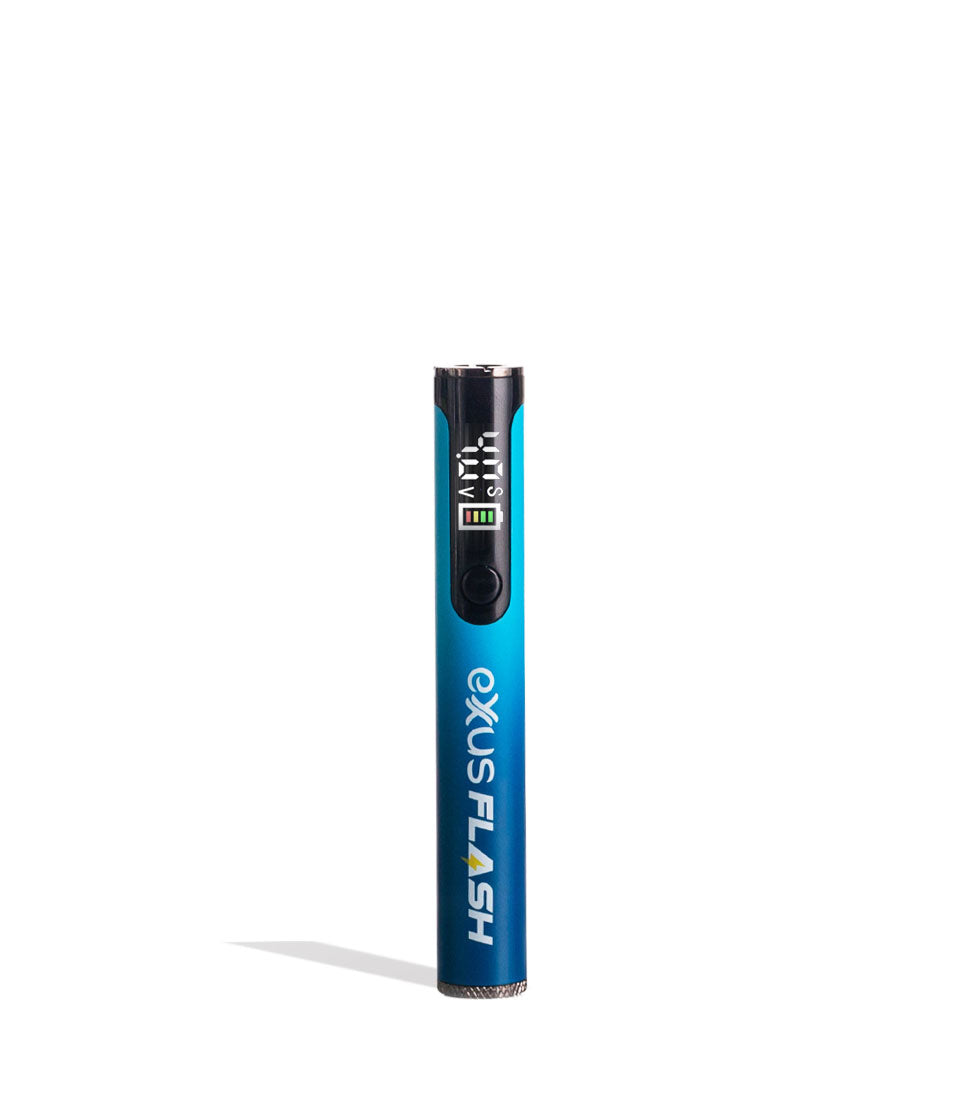
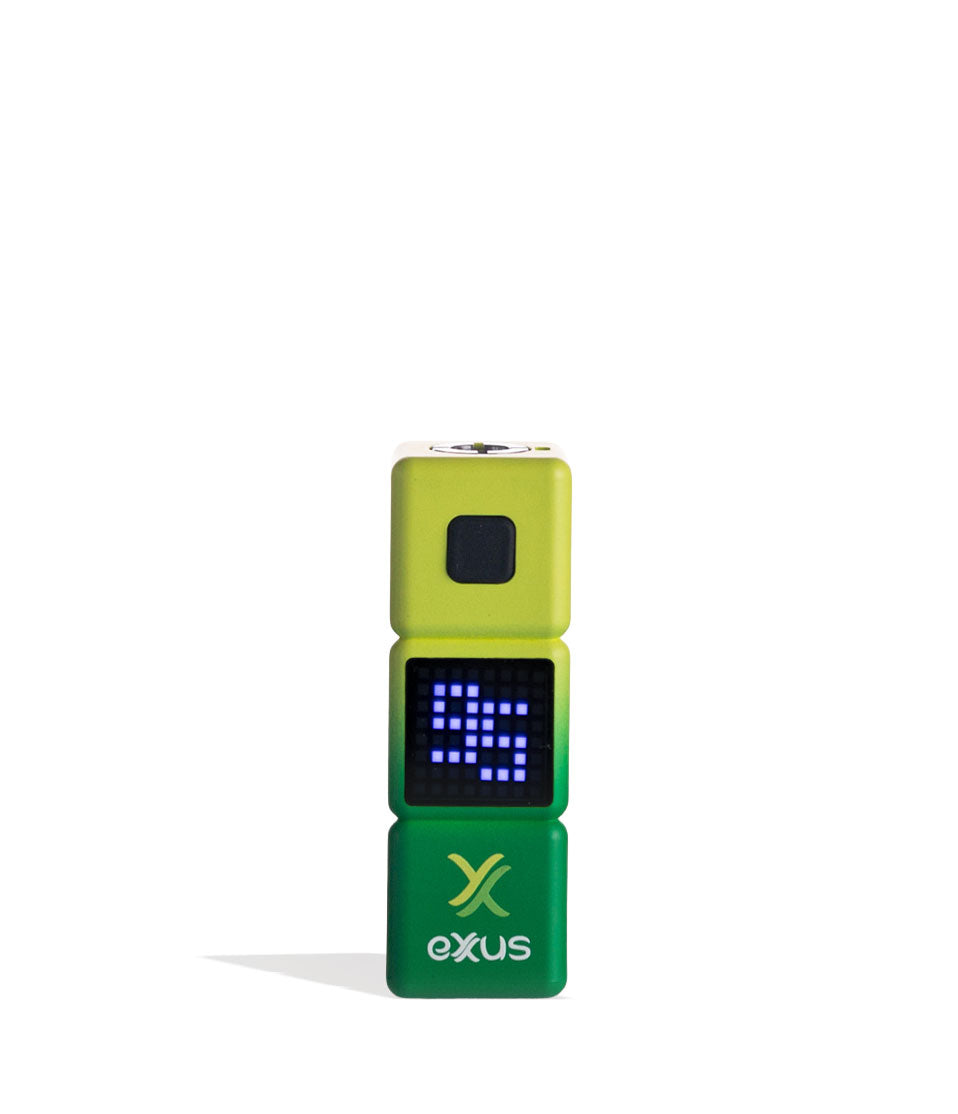
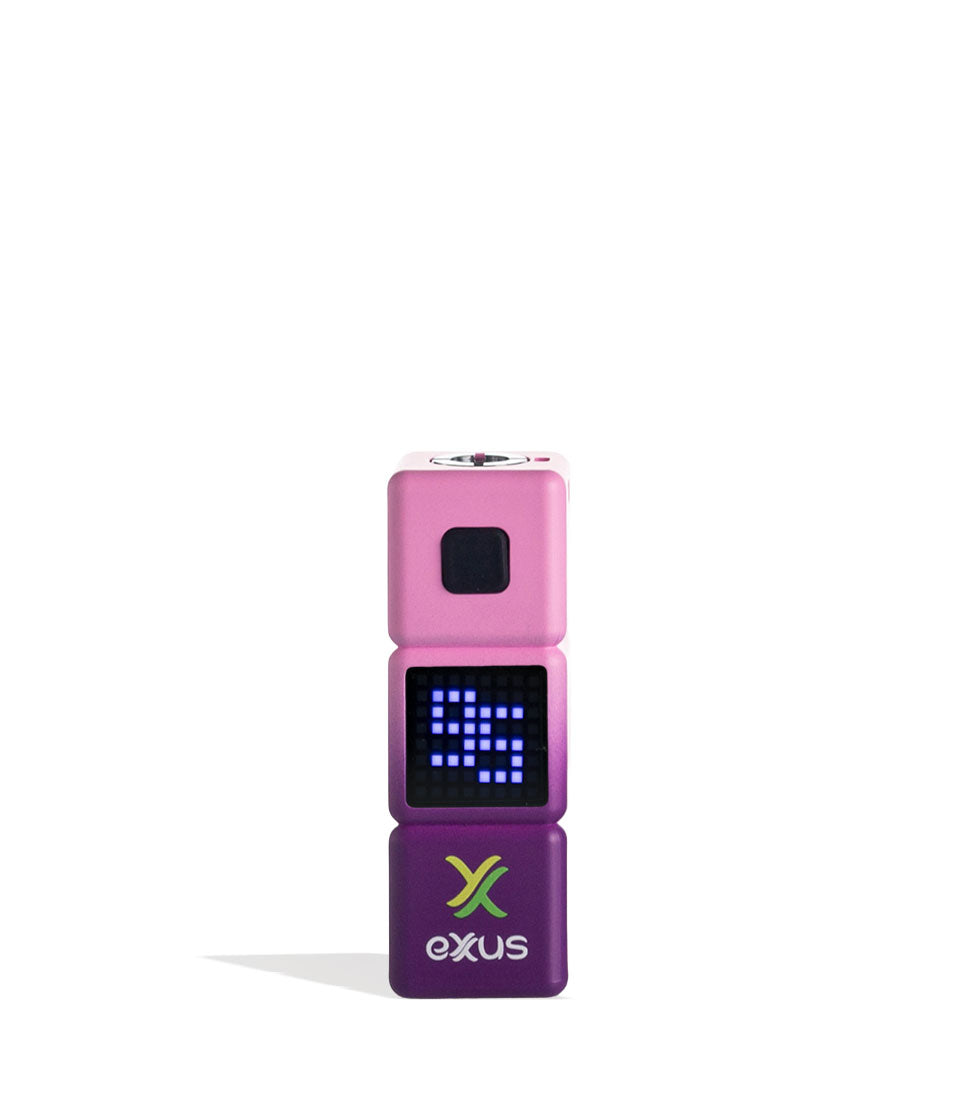
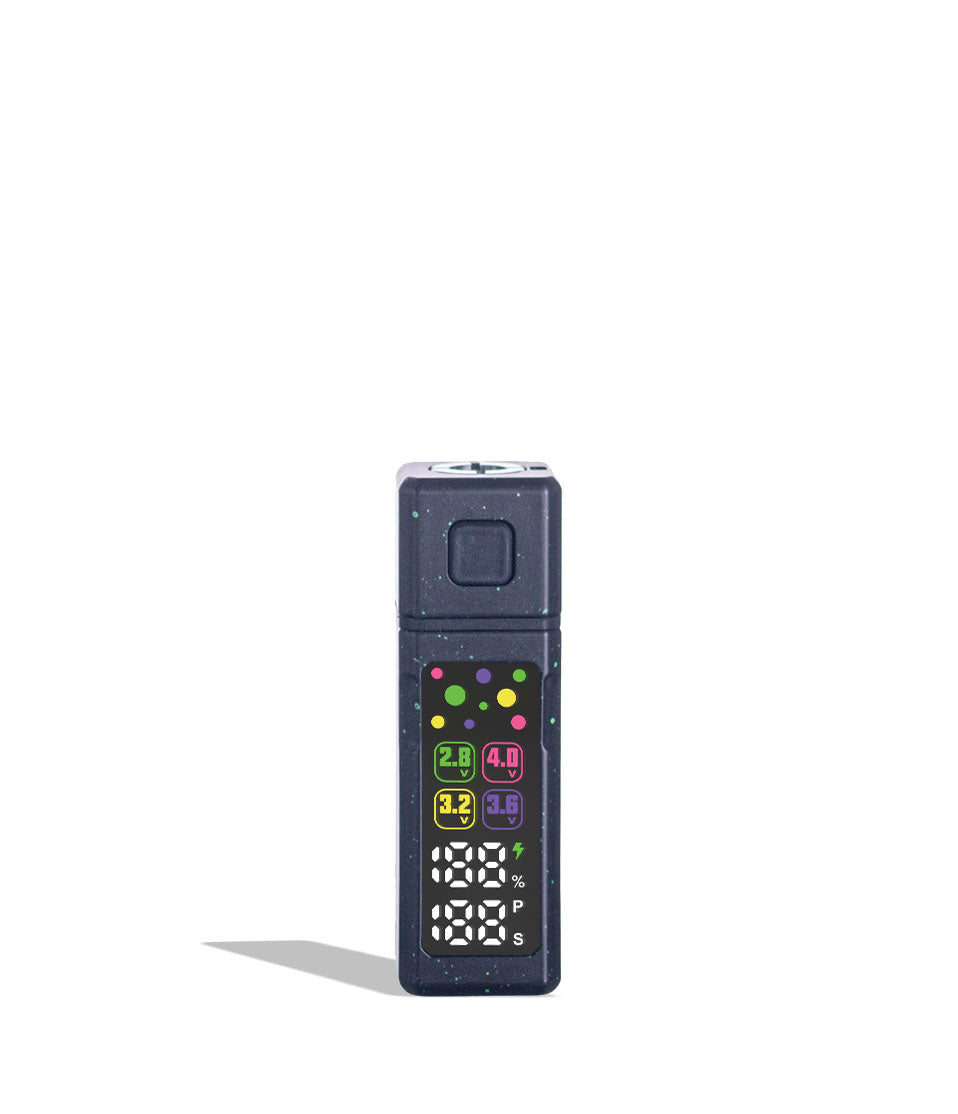
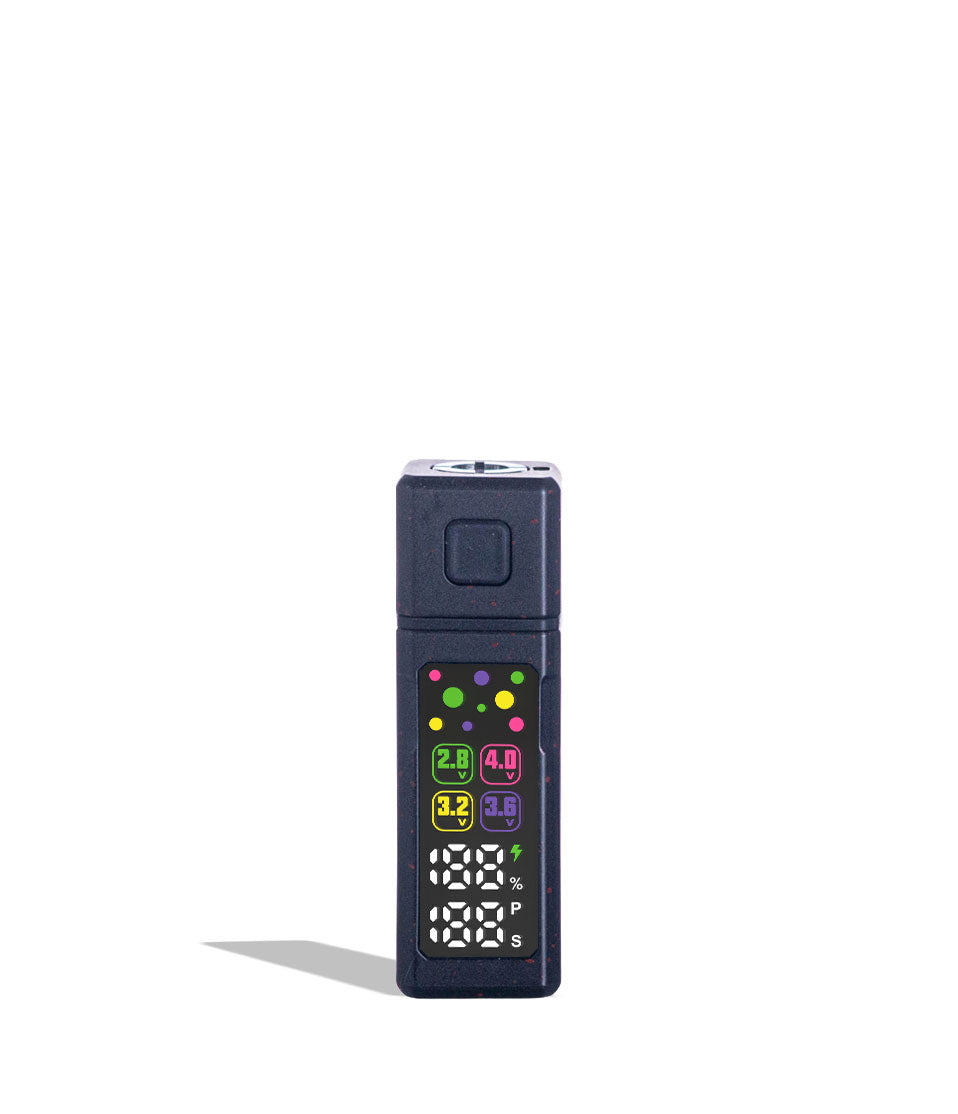
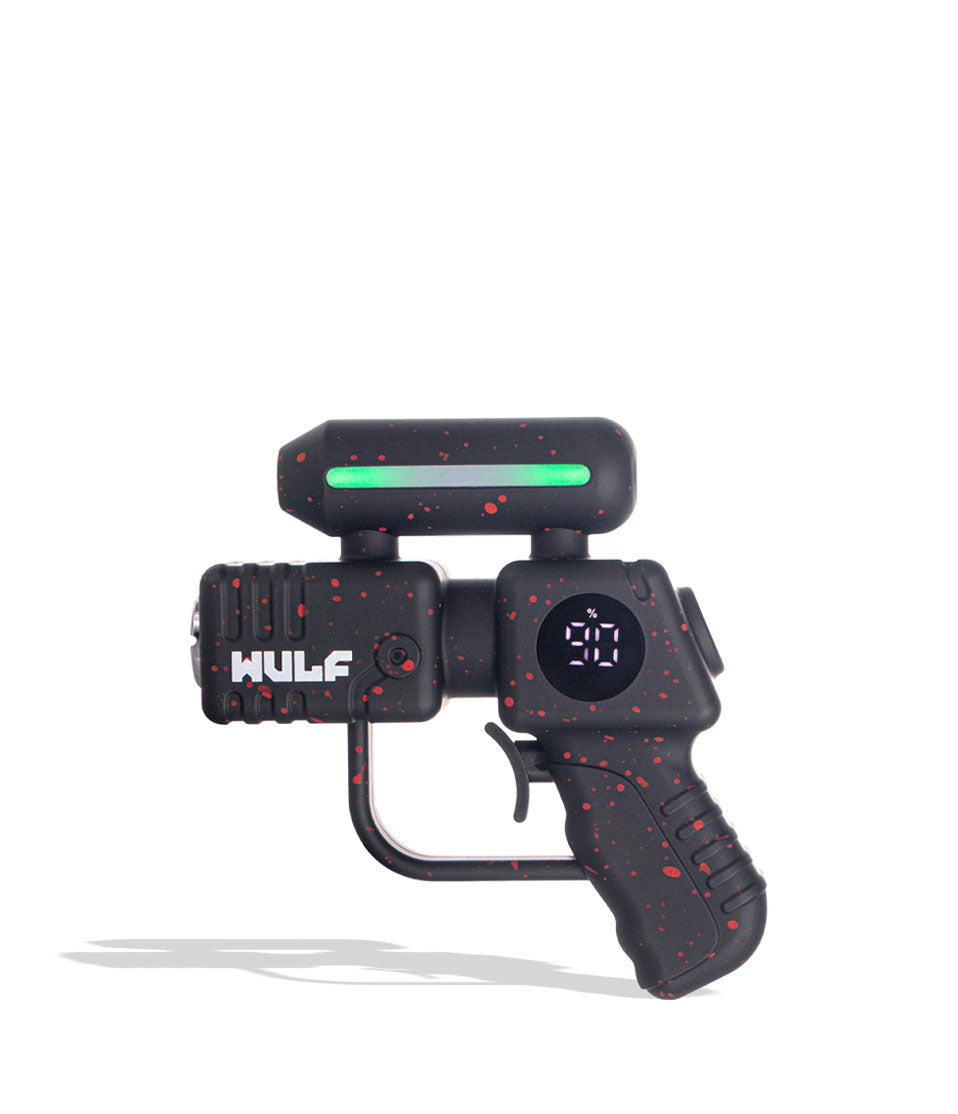
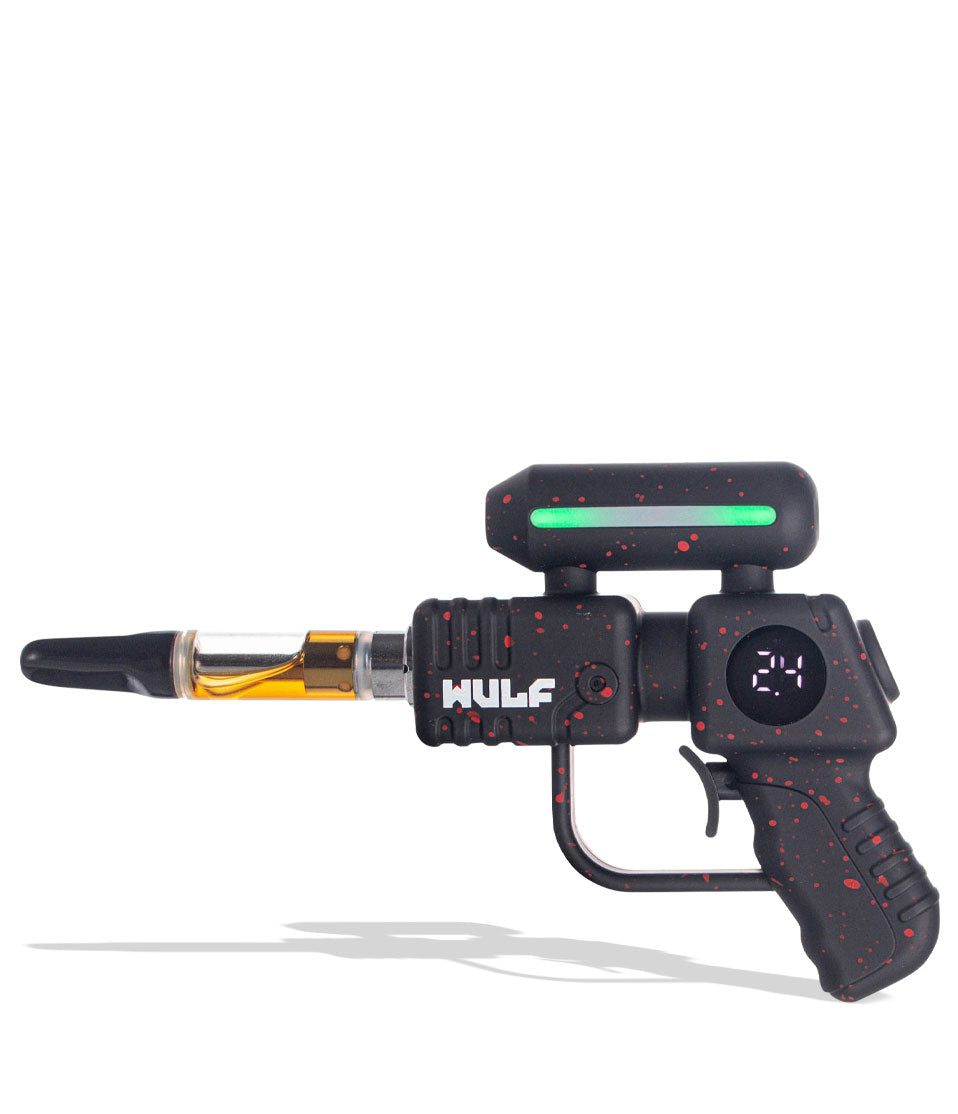
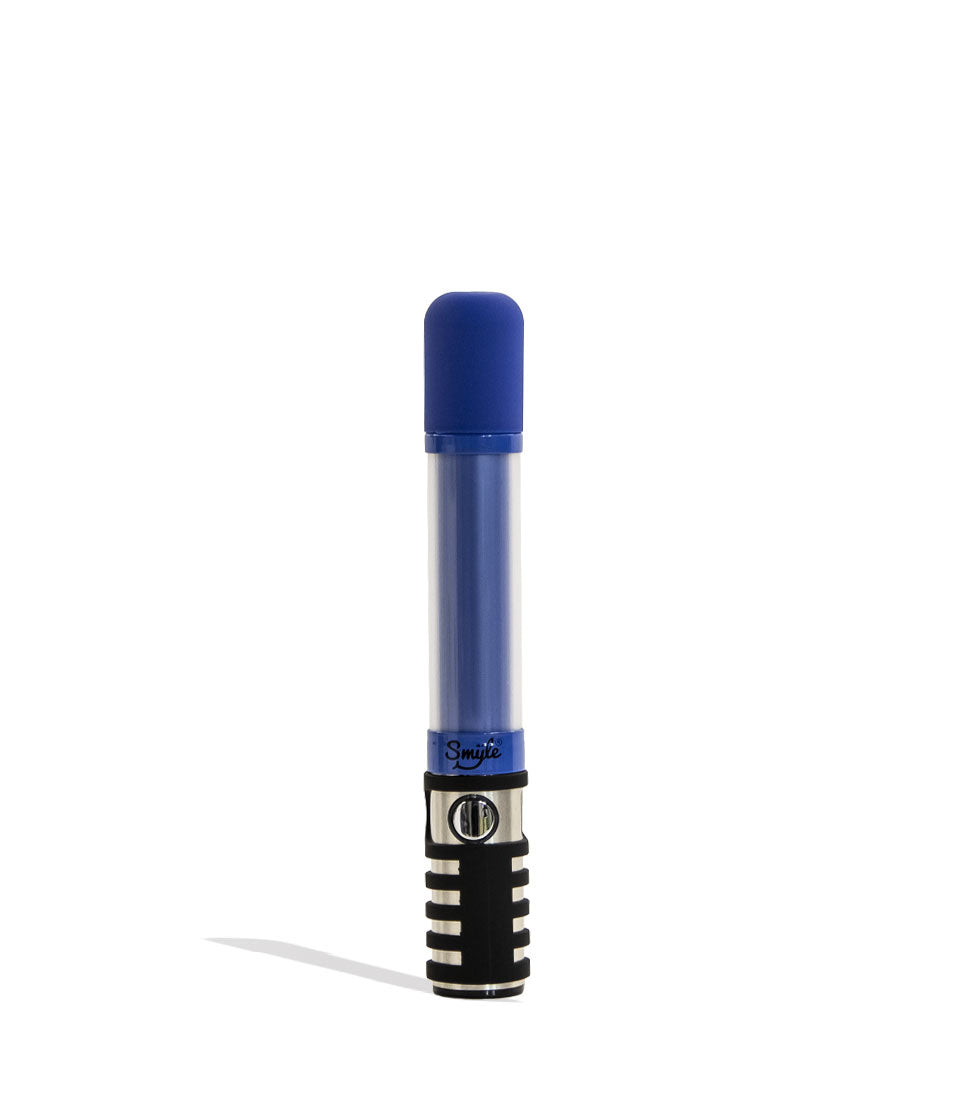
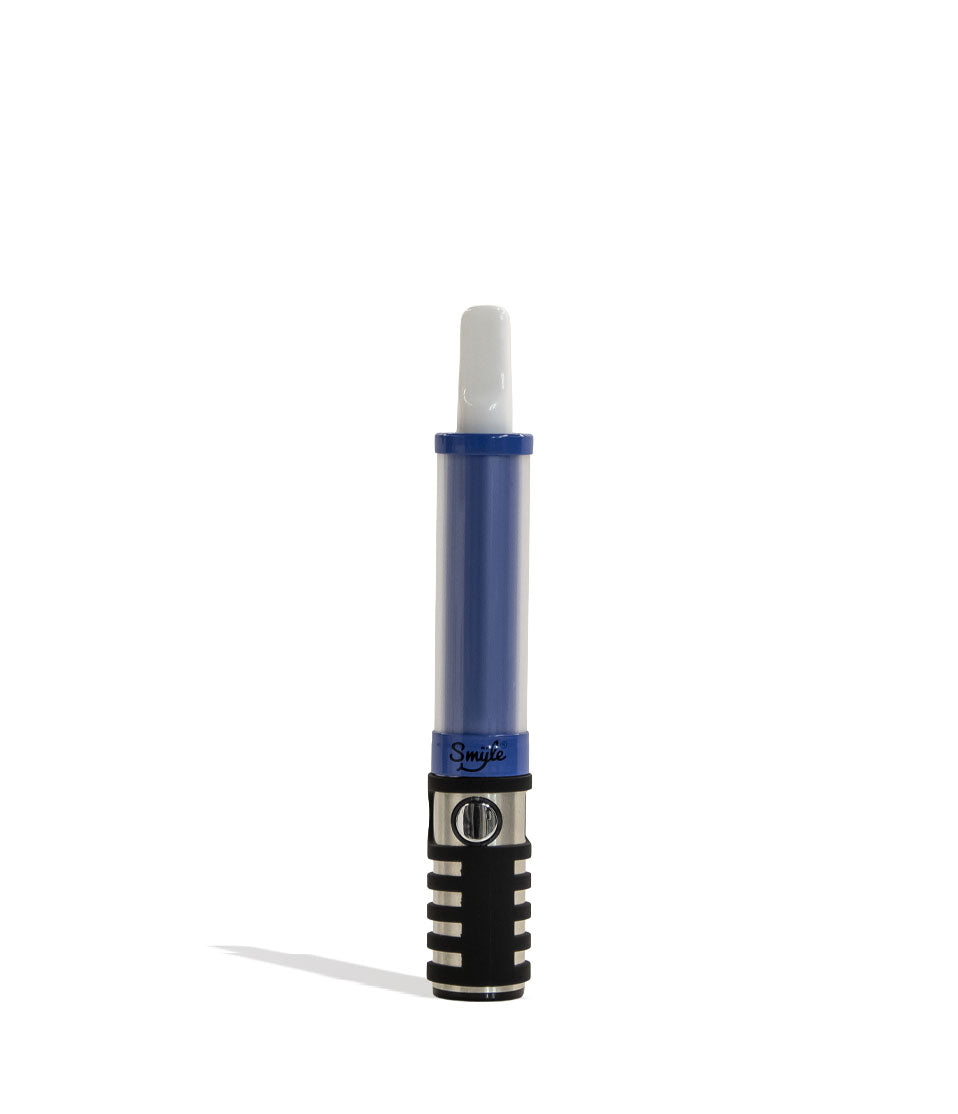
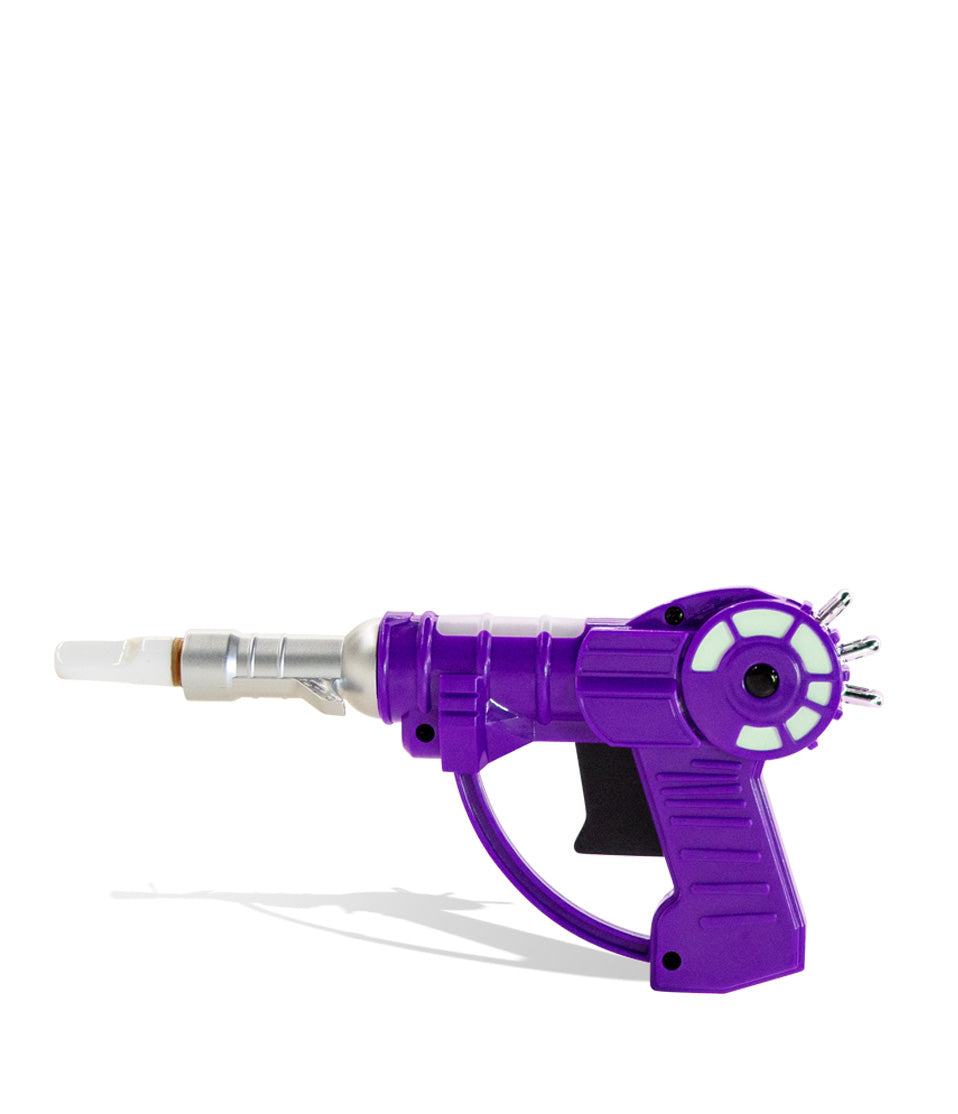
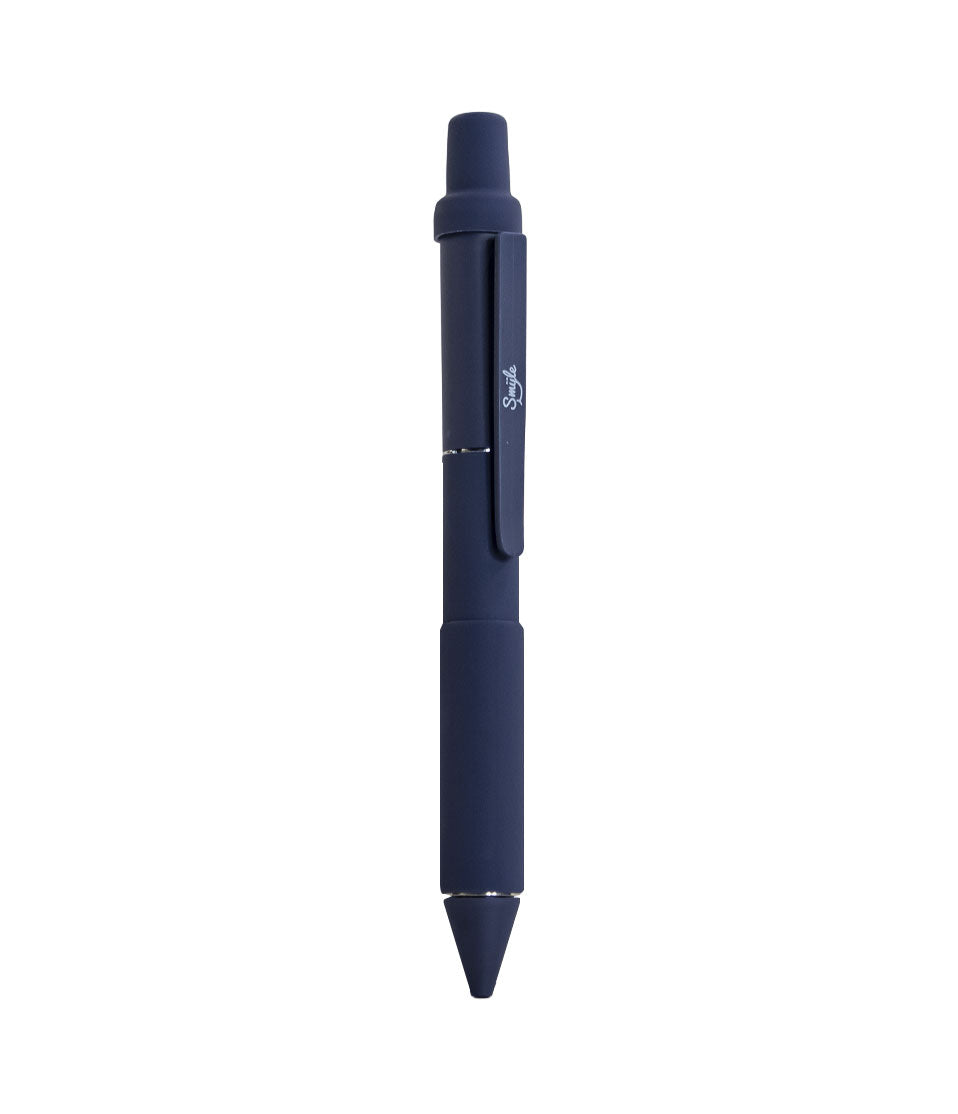
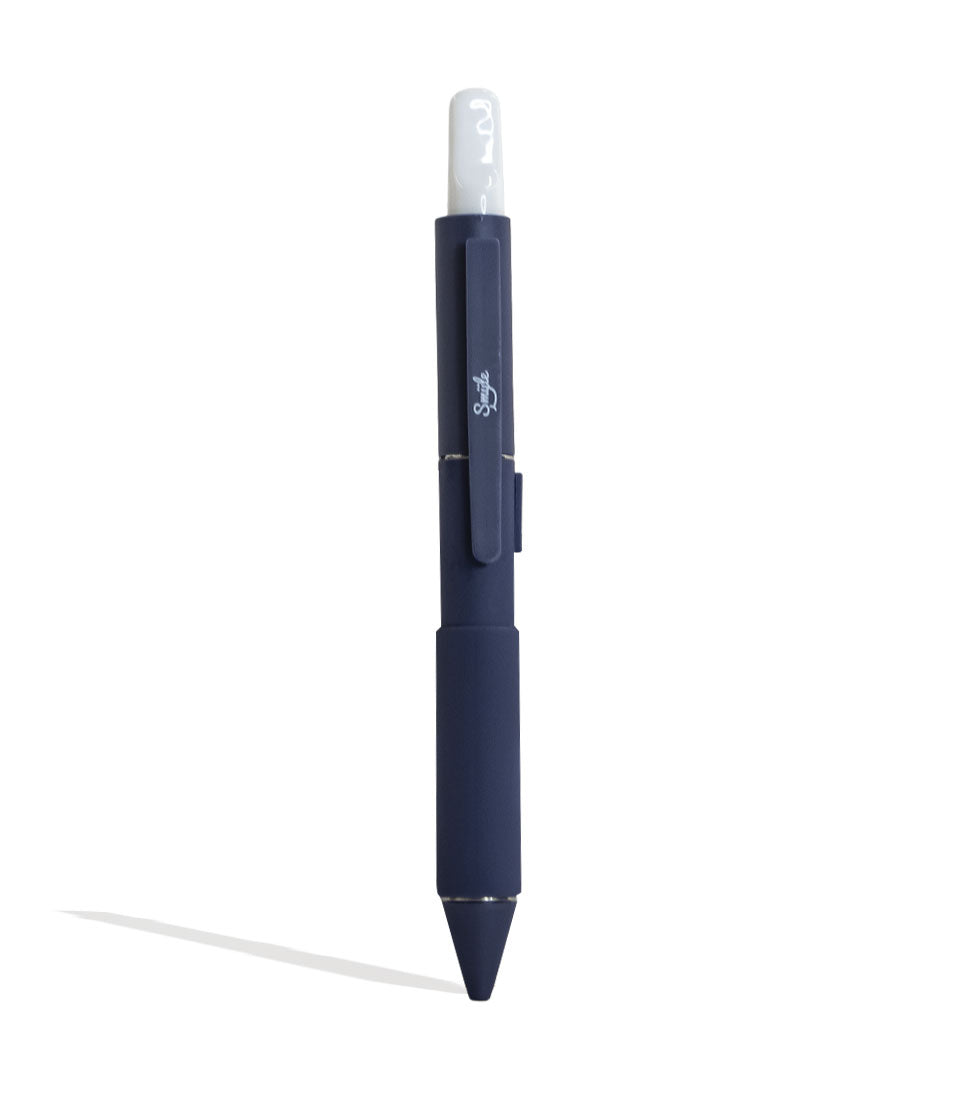
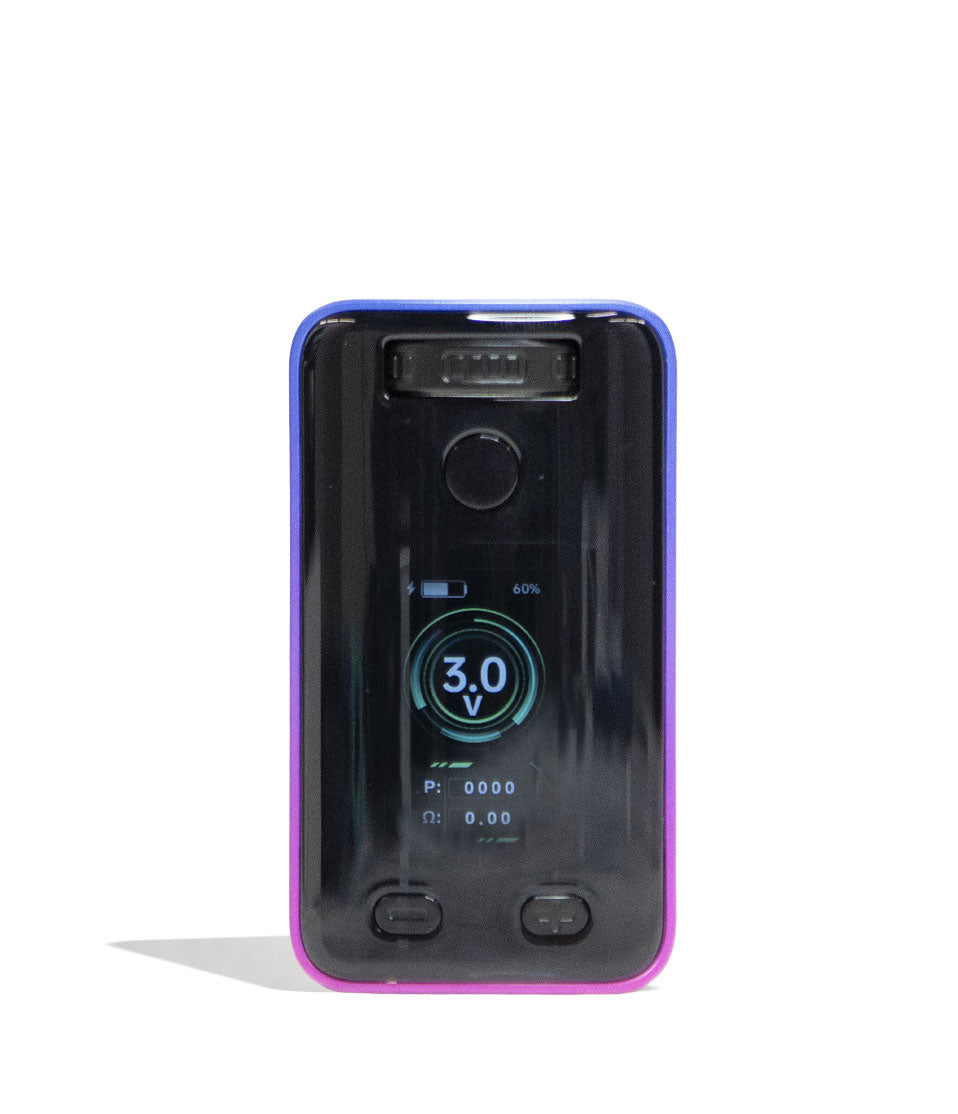
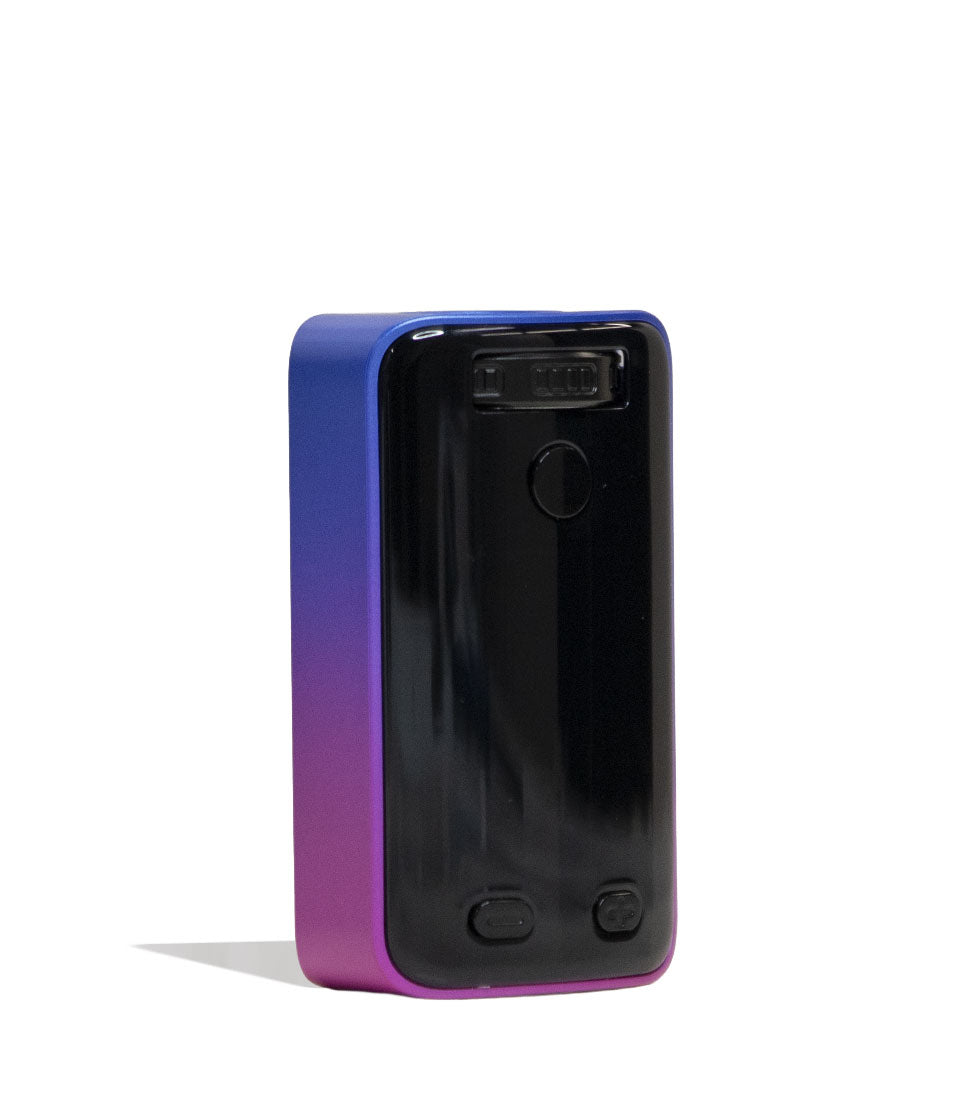
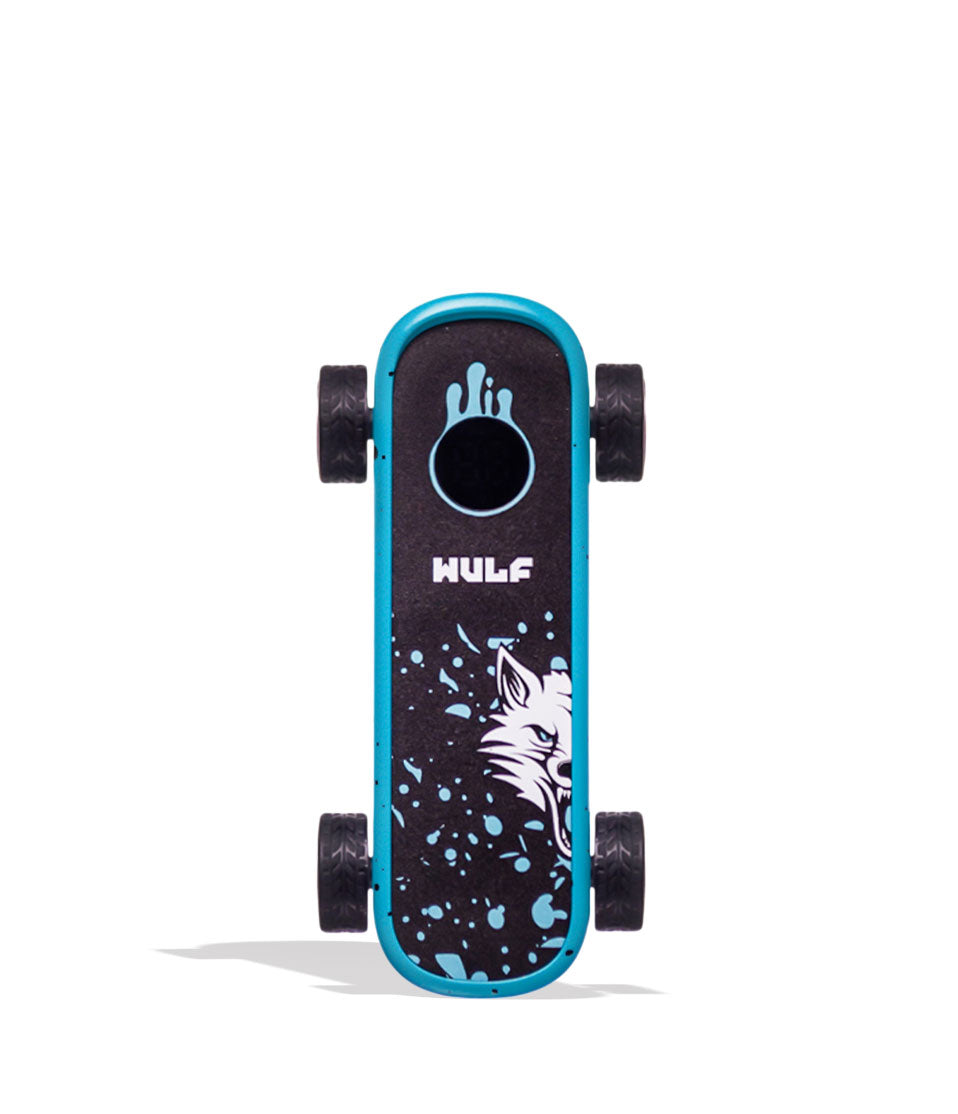
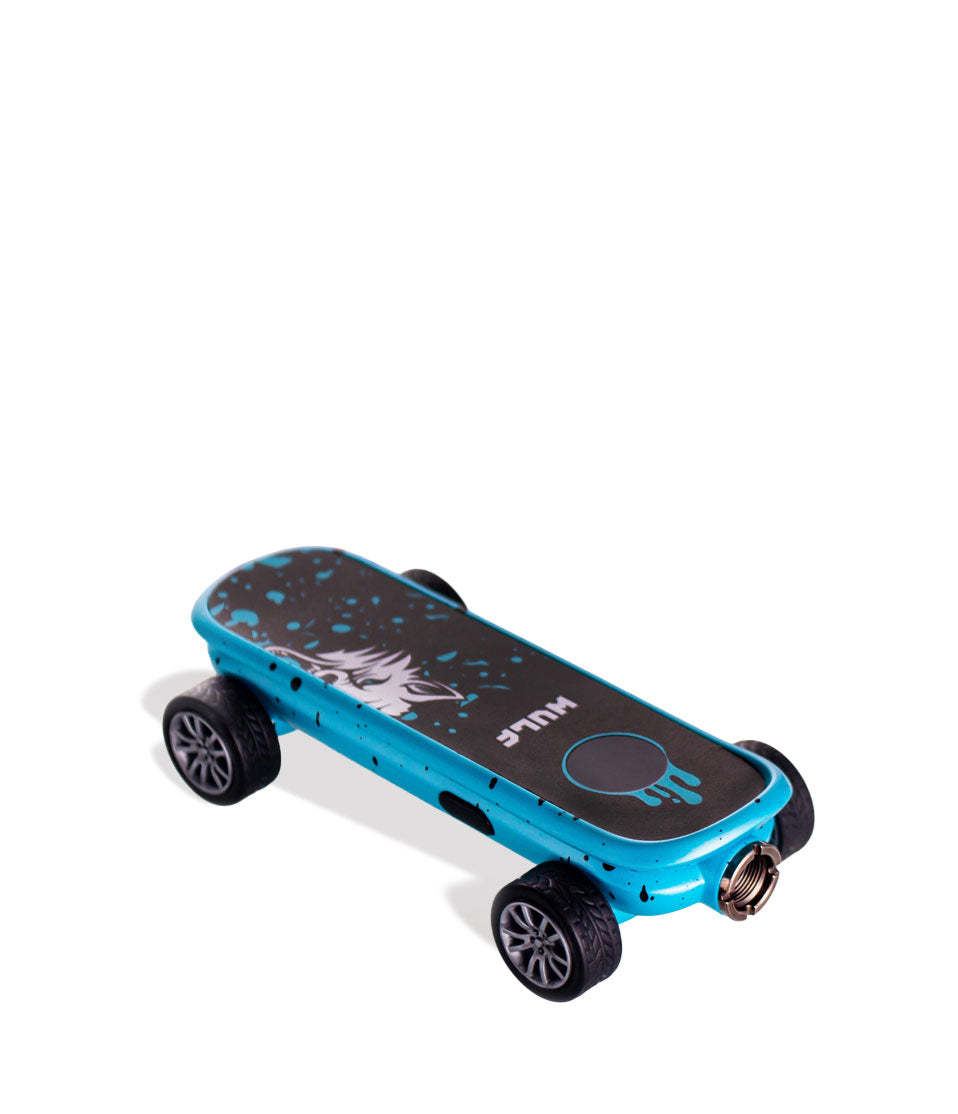
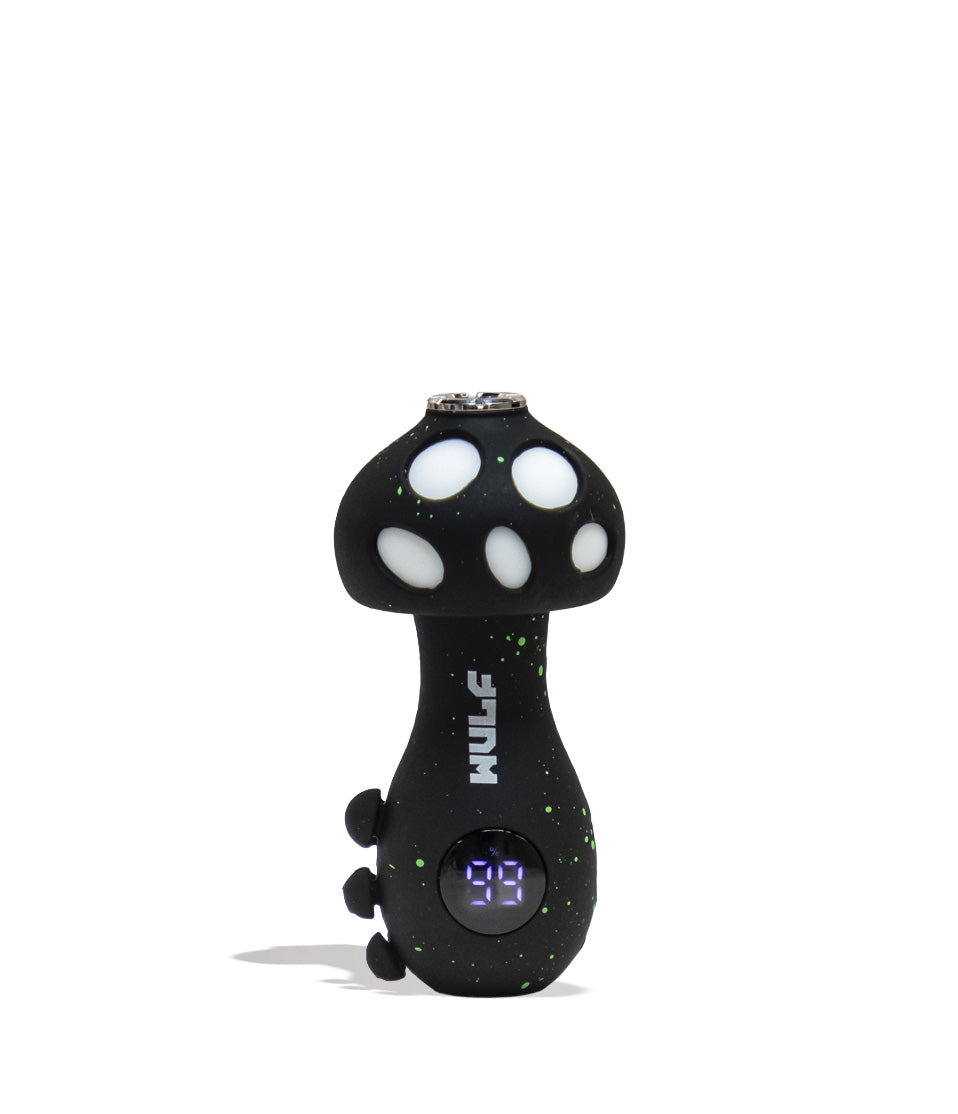
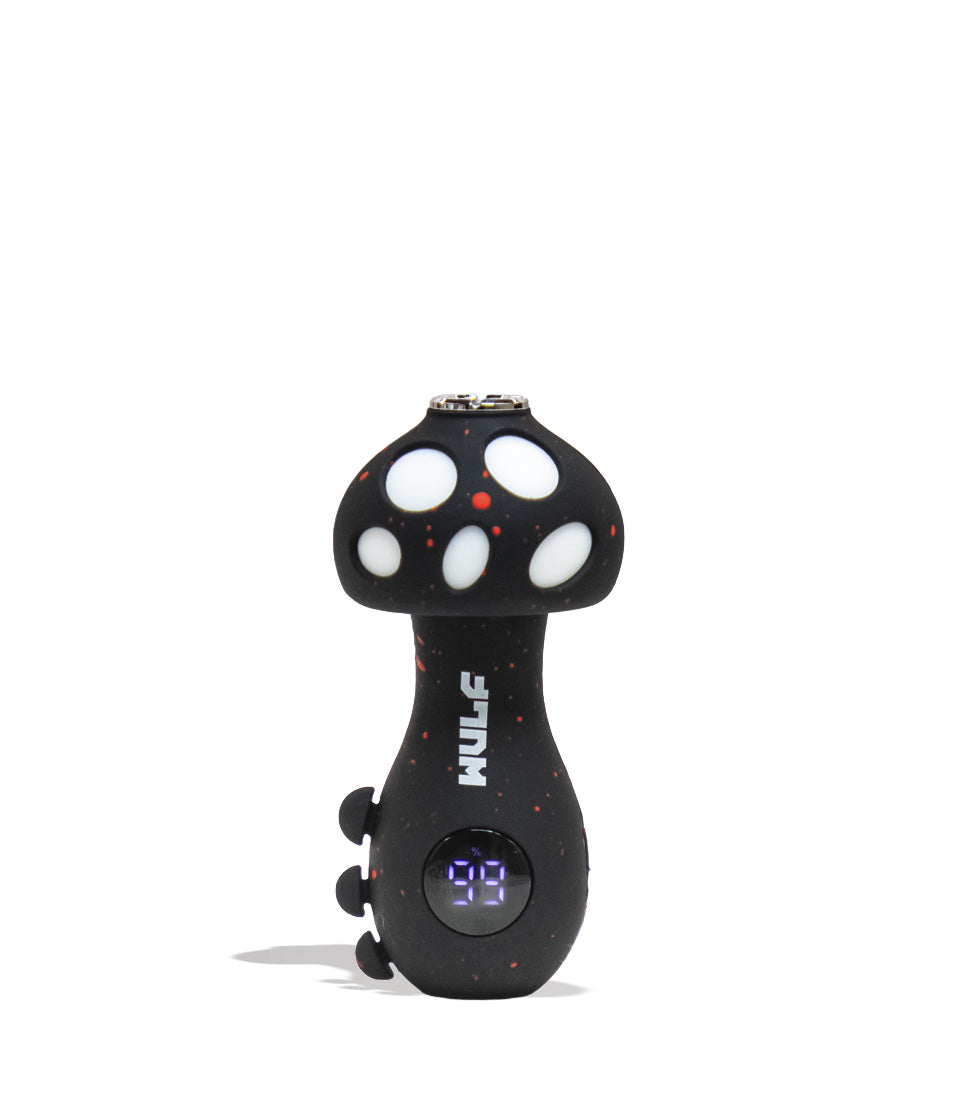
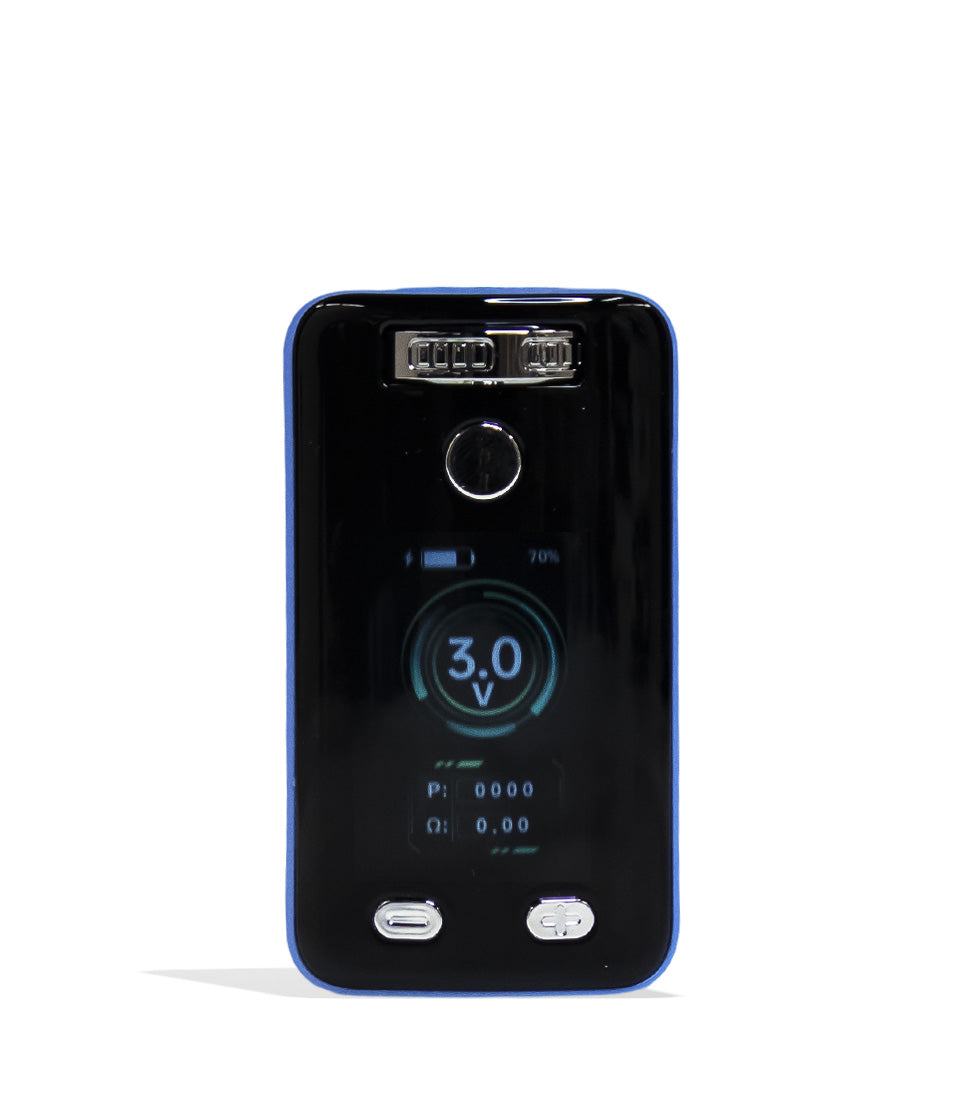
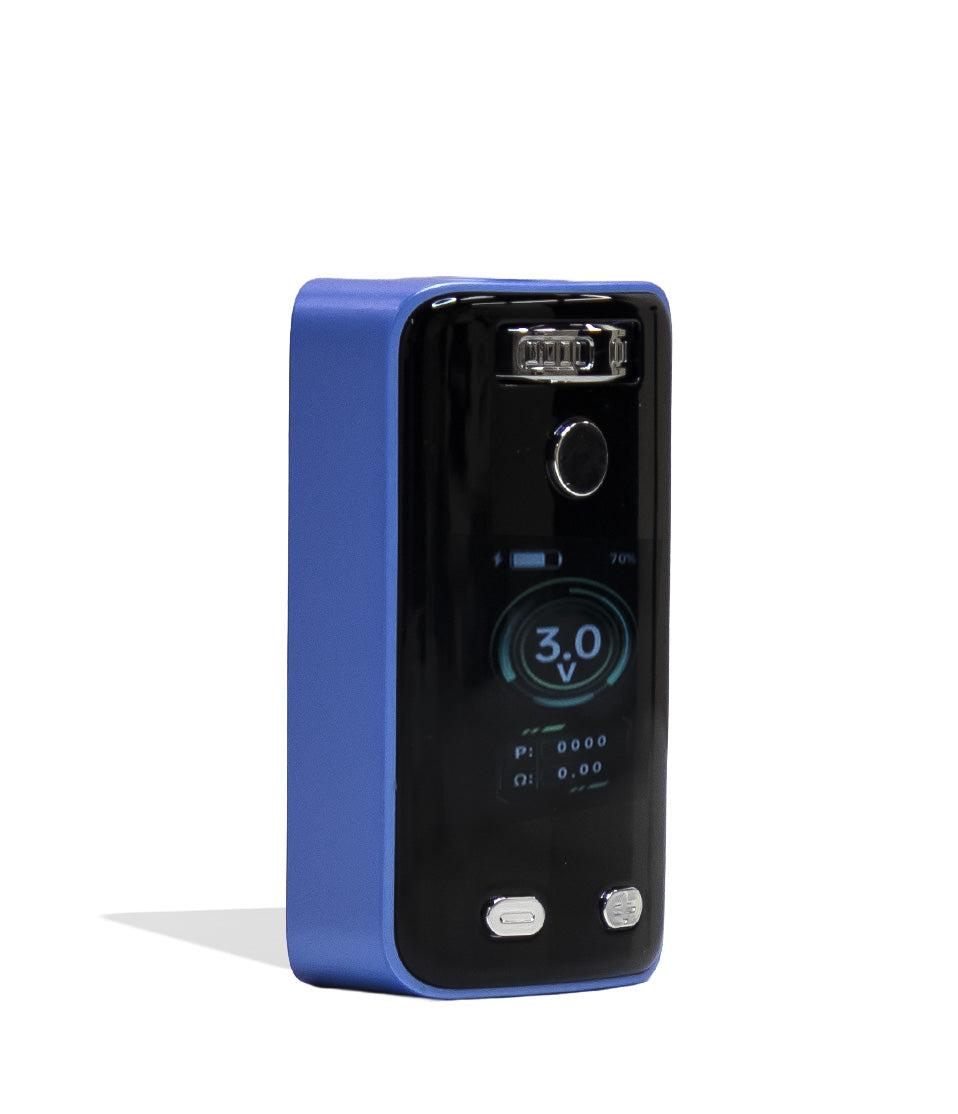
Shop 510 Thread Batteries
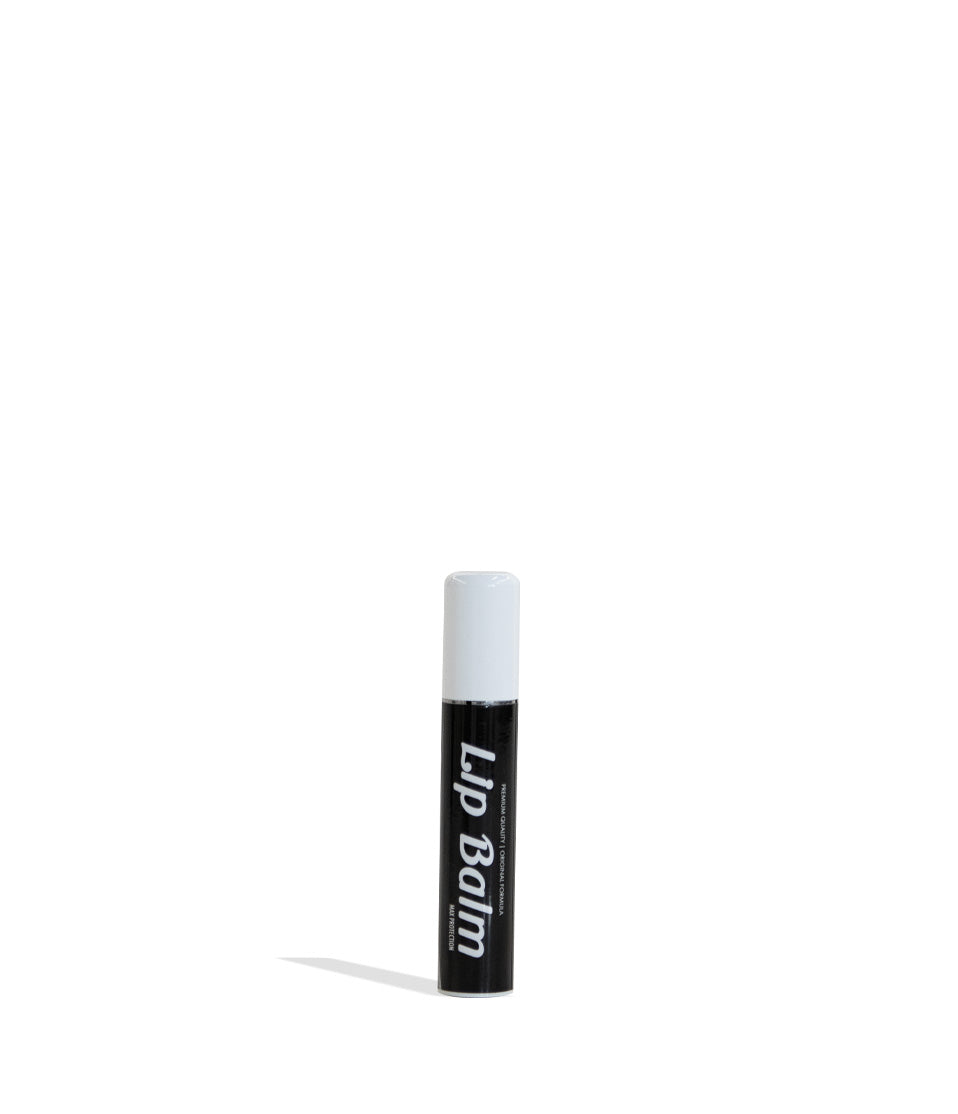
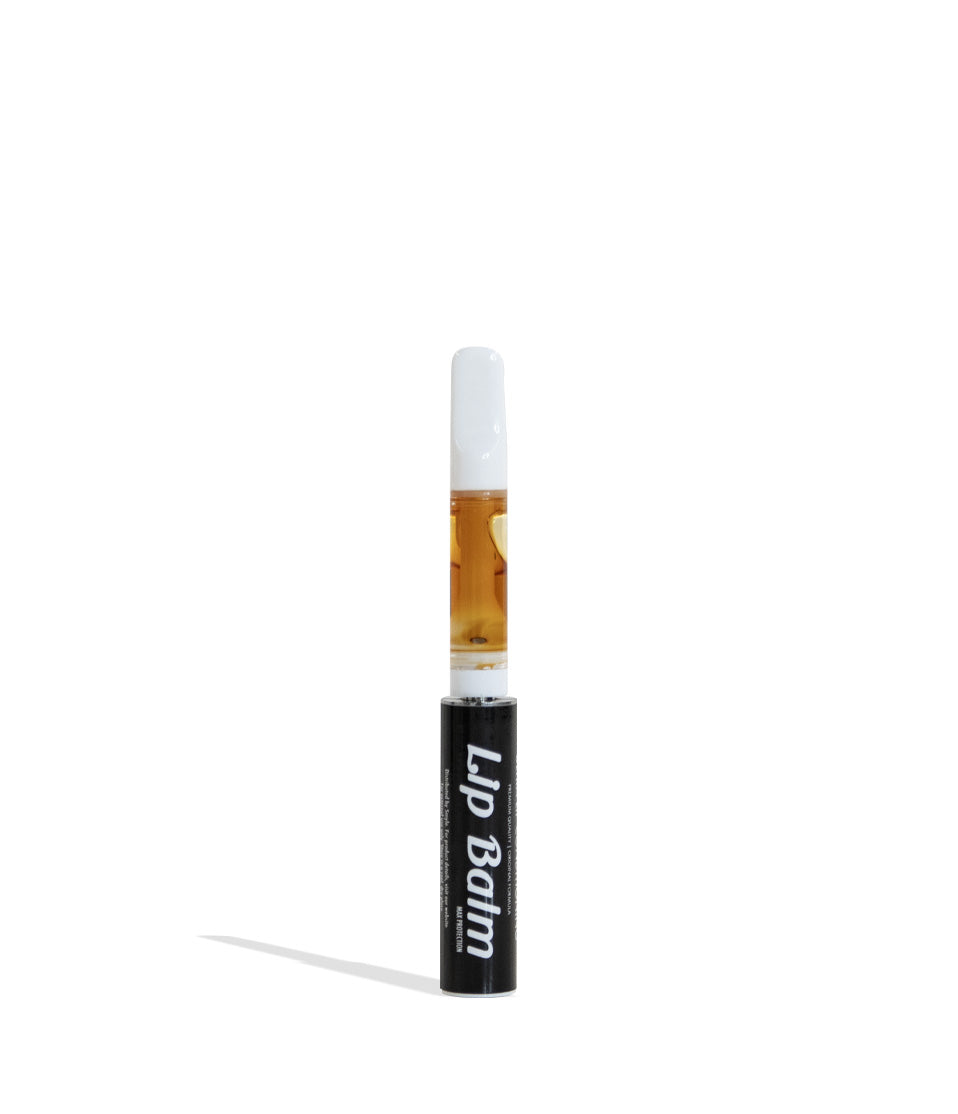
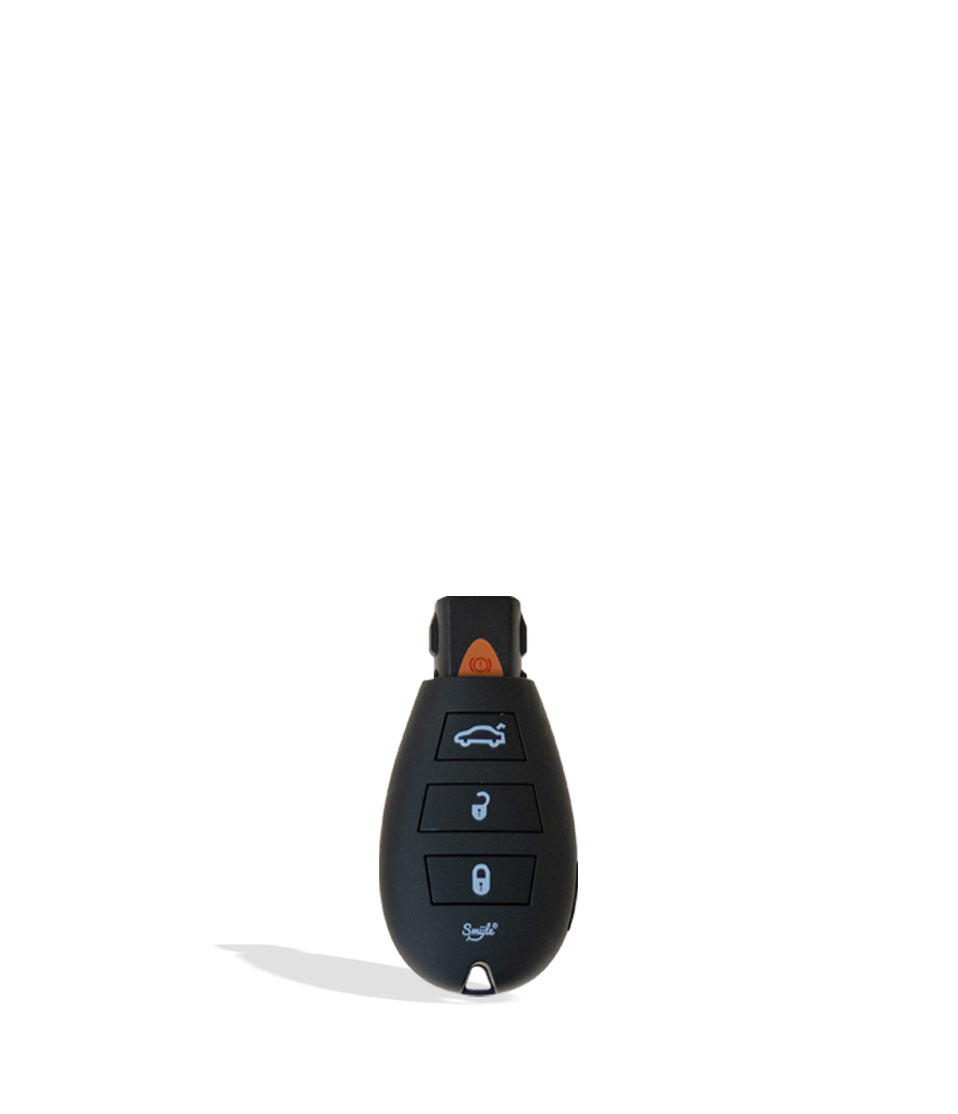
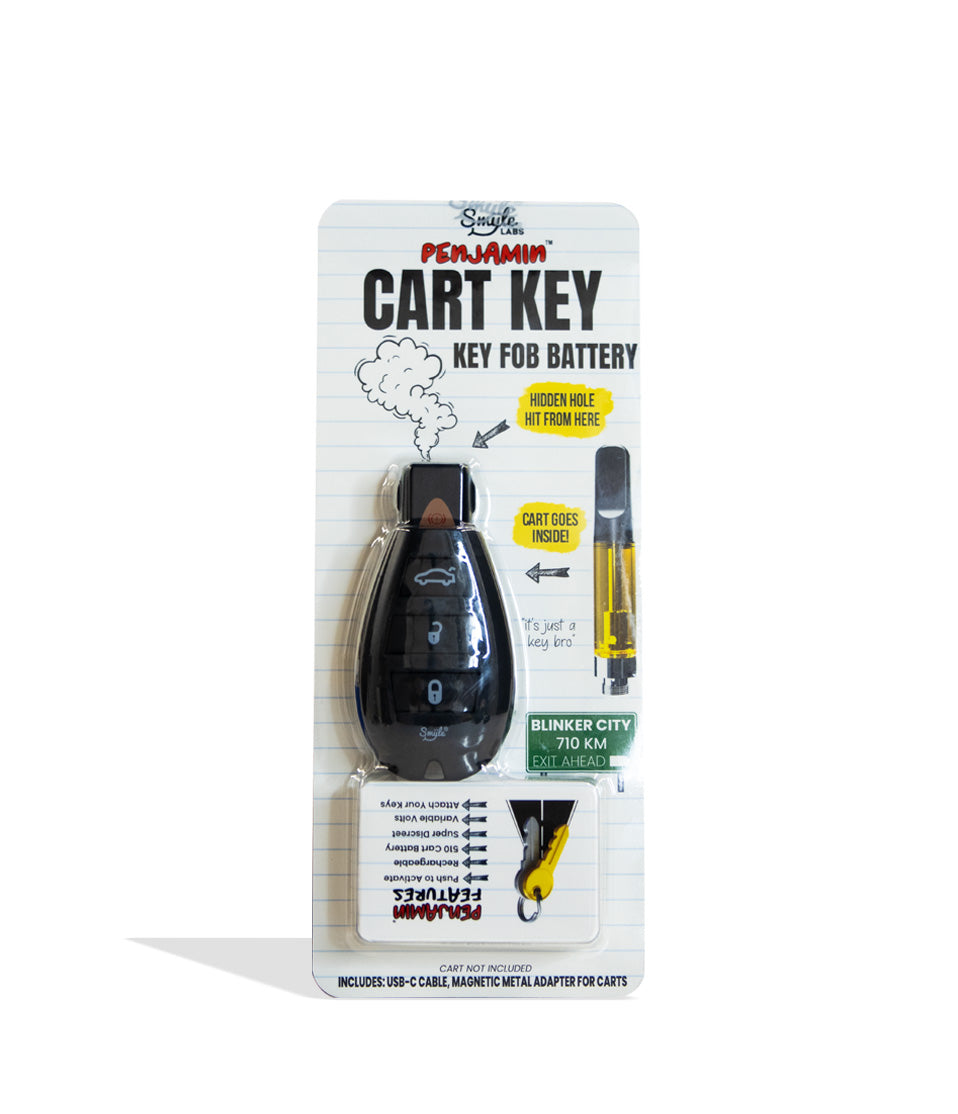
A closer look at the picks called out above.


How-To
Complete How-To
From here, the walkthrough gets specific: the product details and buying considerations that turn the summary above into an actual decision.
510 Thread Batteries are the undisputed backbone of cartridge vaping, powering sessions all across the world with their universal threading and on demand vapor making for one of the most seamless experiences available.
Thus when your favorite 510 battery starts flashing mysterious light codes, refuses to heat up, or gives you a draw with zero vapor, it can be all the most devastating. Now before you toss your 510 battery in the trash and start planning it’s funeral, Got Vape wanted to tell you that there’s a way out of this hole!
That’s right, Got Vape is here to explain how to troubleshoot your 510 thread battery and hook you up with all of the expert hardware fixes the Got Vape Crew has perfected over our 20+ years of working with and testing vaporizers ourselves. This way you can get your 510 battery back in working action, saving yourself time, money, and vapor!
Follow along as Got Vape shows you that you don’t need an electrical engineering degree to get your vape pen firing like brand new again. Most performance issues stem from a few common connection hurdles that take less than five minutes to diagnose and resolve.
This step-by-step 510 battery troubleshooting guide walks you through the entire fix it process from start to finish, turning frustrating blinking lights and weak hits back into dense, flavorful clouds in no time.
Table of Contents:
510 Battery Troubleshooting Quick Guide
1. Decode Blinking Light Codes (Short Circuit, No Atomizer & Low Battery)
2. Choose a 510 Battery Compatible with Your Cartridge Size (Grams & Width)
3. Clean Sticky Reclaim from 510 Threads and Contact Points
4. Troubleshoot USB-C Charging Issues
5. Avoid Overtightening & Restore Airflow Intake Slots
6. Dial In the Right Voltage (Fix Weak Vapor & Burnt Coils)
7. Clear Clogged Cartridges & Engage Pre-Heat Mode
8. Preventative 510 Battery Care & Safe Storage Habits
Trouble-Free 510 Battery Vaping
510 Battery Troubleshooting Quick Guide
In a rush to get back to your session? Here is a fast breakdown covering the essential steps to diagnosing and fixing your 510 thread battery right now:
| ISSUE / WARNING | LIKELY CULPRIT | GOT VAPE CREW FIX |
|---|---|---|
| Blinks 10–15 Times (No Heat) | Depleted battery capacity (0% charge). | Recharge fully via USB-C using a standard 5V/1A wall adapter. |
| Blinks 3–5 Times (Connection Error) | Short circuit or cart not detected (“No Atomizer”). | Unscrew cart, clean threads with 99% ISO, and pry up center pin slightly. |
| Tight Draw / Zero Airflow | Cartridge overtightened or cold oil clogging chimney. | Loosen cart 1/4 turn to unblock base air slots; run a 10s pre-heat cycle. |
| Weak, Wispy Vapor | Voltage setting too low or dirty contact pin. | Click button 3x to raise voltage to 2.8V–3.4V; buff contact pin clean. |
| Harsh, Burnt Taste | Voltage cranked too high or coil dry-firing. | Lower voltage to 2.2V–2.6V; let cart sit upright 5 mins after pre-heat. |
| Battery Completely Unresponsive | Device locked, port clogged with lint, or fried board. | Click fire button 5x rapidly to unlock; clean USB-C port with a toothpick. |
1. Decode Blinking Light Codes (Short Circuit, No Atomizer & Low Battery)
If your 510 battery flashes its LED ring and refuses to produce vapor, don’t panic. Flashing lights aren’t random, instead they are specific diagnostic error codes programmed into the internal microchip to protect both you and your 510 battery from any issues that can arise during your sessions.
This means while you’re wondering why your 510 battery is blinking, your battery is wondering why you don’t understand it’s asking for help! Thus like most issues since the dawn of time, communication breakdown has led to the present issue at hand. Luckily, all of this can be fixed when you take a look at your own 510 battery manual to double check it’s warning signals.
The Most Common 510 Battery Warnings:
- Low Battery Alert: Your battery simply has no more juice left to squeeze. Plug your 510 battery in for a complete charging cycle.
- Connection Error / Open Circuit: The battery cannot detect an electrical load. This means the firing pin is not making physical contact with the bottom of the cartridge, or the cartridge’s internal coil is dead.
- Short Circuit Protection: A short circuit has been detected. This happens when the positive center pin touches the negative outer threads, or when a damaged coil crosses wires inside the cartridge.
- Safety Cutoff / Blinker Warning: You have exceeded the continuous firing limit (typically 10 to 15 seconds). The 510 battery will shut off power to prevent coil burnout. Release the button and inhale again.
While the built-in troubleshooting warnings on your 510 battery won’t have the exact same signals, the process of looking up the cause and addressing it accordingly will be.
Got Vape Crew Fix:
- Stop using your 510 battery and power it down
- Look up your 510 battery listing and double check the warning codes
- Got Vape lists all of the troubleshooting warnings on 510 battery pages
- Address the specific issue and test your 510 battery
Thus whenever you encounter these light issues, stop your session, go online for device specific help, and then perform the required fix. For more information on specific 510 battery blinking light codes take a look through our feature length guide here.
2. Choose a 510 Battery Compatible with Your Cartridge Size (Grams & Width)
One of the most overlooked causes of 510 battery troubleshooting issues is physical cartridge incompatibility. As the days when of every cartridge being around 1G are long gone and there now being a million and two different choices available as small as .5G and as large as 3.5G+.
As a result of this reality, sometimes the issue can arise where you’re ready to start vaping only to discover that your cartridge doesn’t fit the 510 battery you just bought. Not only are you out of the money you spent on the new battery, but you’re current sessions is over before it even had a chance to get started!
Thus it’s incredibly important to double check the size compatibility of whatever 510 battery you’re considering and make sure that it’s sized right for your own favorite cartridge brands. This is especially important for concealed cartridge vapes, as there’s no wiggle room when it comes to the tight connections and seals of these stealth 510 batteries.
Cartridge Width (Diameter) Bottlenecks:
- Standard Slim Tanks (10.5mm – 11.5mm): Most traditional 0.5G and 1G cartridges feature an outer diameter of roughly 10.5mm to 11mm. Virtually all drop-in conceal batteries accommodate this width seamlessly.
- Wide Body & Heavyweight Tanks (12mm – 14mm+): Many modern 2G, 3G, or custom all-ceramic hardware options have much thicker glass walls measuring 12mm to 14mm or wider. If your battery’s drop-in chamber is capped at 11.5mm, forcing a chunky 2G tank down the slot will either crack the cartridge glass or wedge it permanently inside the casing.
- Failure to Thread / No Contact: If a wide tank gets stuck against the chamber walls before reaching the bottom, the 510 threads will never meet the battery base pin, triggering a “No Atomizer” 3-flash error code.
Higher gram counts (2G, 3G+) add significant vertical length to your 510 battery. On batteries utilizing magnetic flip tops, slider mechanisms, or magnetic collar adapters, an oversized cartridge may prevent covers from closing, block the mouthpiece, or sit too loose to maintain electrical contact.
Got Vape Crew Fix:
- Check Chamber Diameter Specs: Before buying a concealed drop-in battery, verify its maximum cartridge opening (e.g., whether it accepts up to 12mm or 14mm tanks).
- Use Open Top Batteries for Oversized Carts: If you love large 2G or 3G cartridges, stick with an open top pen battery (like a classic variable-voltage pen) where the 510 threads sit completely exposed on the top rim, ensuring zero width restrictions.
- Opt for Adjustable Aperture Hardware: Look for batteries with adjustable diameter dials or wide-bore chambers (such as the Yocan Uni series or open-collar mod batteries) that let you lock in narrow 0.5G carts or expand to fit hefty 2G+ tanks.
- Never Force a Cartridge Down: If you feel resistance when dropping a cart into a concealed battery, stop immediately. Never force or twist a stuck tank, as this can crush internal wiring or snap the cart base off inside your unit.
If you’re having issues with cartridges fitting, then we recommend having a back up open top style 510 battery at the ready in order to have a “catch all” that has your back. This way you’re never left waiting to try out a new cartridge and you get to avoid all the headaches of having a mismatched setup.
3. Clean Sticky Reclaim from 510 Threads and Contact Points
One of the most common issues that happens with 510 batteries is when they get dirty with leftover oils and transform from sleek vape pens into sticky messes. This happens because over time , thick oils, live rosin, and distillates thin out and seep down through the bottom airflow holes of the cartridge, pooling inside your battery’s 510 well.
When that ooey gooey golden residue cools down, it solidifies into an amber film that acts as an electrical insulator. Even if your cartridge fits perfectly, that layer of hardened tar stops electricity from flowing between the battery and the atomizer, leading to misfires, weak cloud output, and intermittent firing.
Thus when things get sticky with your 510 battery, it’s time you break out the isopropyl alcohol and banish all of that leftover oil for good.
Got Vape Crew Cleaning Steps:
- Power off the battery (5 clicks).
- Dip a cotton swab (Q-tip) into isopropyl alcohol. Dab it on a paper towel so it is lightly damp, never dripping wet.
- Scrub the female 510 threads in circular motions, paying close attention to the gold center pin and thread grooves to dissolve baked-on resin.
- Use a dry wooden toothpick to scrape out stubborn carbon crust trapped in the spiral threading channels.
- Swab the male 510 threads and the flat bottom contact pin of your oil cartridge.
- Let the connection air dry completely for 3 to 5 minutes so all alcohol evaporates before reattaching the cart.
Always make sure to power off your battery before cleaning your 510 battery. It protects both you and your battery from any issues, making it an absolute must when starting your cleaning. From here with a little bit of isopropyl alcohol and elbow grease, you should be able to have your 510 threads back to 100% in no time.
4. Troubleshoot USB-C Charging Issues
Plugged your 510 battery in for a full charge, only to find it completely dead when you go to hit it an hour later? Unfortunately charging failures are remarkably common and end up happening for a variety of reasons ranging from simple broken cables, all the way to larger issues with internal connections.
The single biggest mistake you can make when charging is to plug your small 510 batteries into a high wattage USB-C fast chargers designed for much larger devices. High amperage Power Delivery (PD) blocks can trip internal safety fuses or fry low voltage charging boards, leading to much larger issues down the line.
Got Vape Crew Fix:
- Inspect the USB-C Port: Pocket lint, dirt, and sticky concentrate love to pack into the charging port. Use a dry wooden toothpick to gently sweep lint out of the port corners. Never use metal pins and take your time to avoid accidental damage.
- Swap Your Charging Cable: USB cables suffer internal wire fatigue from bending in bags. Test a secondary USB-C cord that you know works on other electronics.
- Use a 5V/1A Wall Block: Ditch the high speed phone charger. Plug your cable into a standard 5V/1A wall brick, a computer USB port, or a gaming console to deliver steady, safe current.
Most USB-C charging issues are going to come down to connection problems. So always double check, give things a clean, and when it doubt try out a new charger to see if yours has reached the end of its usefulness.
5. Avoid Overtightening & Restore Airflow Intake Slots
If you’re pulling on your vape pen and it feels like trying to suck a extra large golf ball through a garden hose, the problem might not be a clog inside the cartridge, it could be how you mounted it to the battery.
Standard 510 cartridges pull ambient air through tiny notches cut directly into the outer threading ring at the base of the cart. When you twist a cartridge into the battery as hard as humanly possible, the flat shoulder of the cartridge seals flush against the battery top plate, completely suffocating those intake slots.
Got Vape Crew Fix:
- Loosen the cartridge counter-clockwise roughly a quarter to half turn.
- Take a test inhale. If airflow opens up immediately and vapor rushes through, your cartridge was simply screwed in too tight.
- Follow the “Finger Tight Rule”: Screw the cartridge on until you feel it make solid physical contact with the center pin, then stop. You never need to torque down a cartridge like a lug nut on a car tire!
So always aim for snug, without going overboard, and you’ll be able to get your 510 cartridges ripping without any connection issues slowing your roll.
6. Dial In the Right Voltage (Fix Weak Vapor & Burnt Coils)
Not all oils vaporize at the same temperature, which means that not every voltage output will have the same results depending on which type of brand you’ve got loaded. Running a single arbitrary voltage setting across live rosins, thick distillates, and live resins is a guaranteed recipe for either wispy, disappointing clouds or scorched ceramic coils.
Crank things too high and you’ll get burnt hits, leave it too low and you’ll end up with minimal vapor that leaves you wanting more. Thus you want to aim for the coveted “just right” with your voltage to ensure you’re enjoying your 510 battery in a way that fits the mood.
Got Vape Crew Voltage Guide:
- Low Voltages 1.6V – 2.6V (Terpene Preservation): Ideal for premium live rosin, full-spectrum extracts, and cured sauce. Keeps vapor ultra-smooth and preserves delicate botanical flavors.
- 2.7V – 3.3V (The Daily Driver Sweet Spot): The recommended balance for standard THC/CBD distillate carts with botanical terpenes. Delivers satisfying cloud volume without scorching the wicking holes.
- 3.4V – 4.0V+ (High Viscosity & Heavy Clouds): Best for uncut, highly viscous oils in high-flow ceramic cartridges. Produces thick, dense clouds, but pace your puffs to avoid burning the coil!
- To change voltage on single button variable voltage stick batteries, click the power button 3 times rapidly (3x) to cycle through voltage presets.
Personal preference comes into play here as well, as at the end of the day it only really matters what you think about your vapor and 510 battery output. So make sure to play around with your settings to get a better idea of what each offer, this way you can meet the mood no matter where your adventures take you.
For more information on what voltage you should use on a 510 battery, take a look through out feature length guide linked here.
7. Clear Clogged Cartridges & Engage Pre-Heat Mode
During cold weather or after sitting upright for days, thick concentrate cools down inside the interior of your cartridges, potentially solidifying into a stubborn plug. This can lead to clogs that reduce air flow to zero and prevent your 510 battery from working in any meaningful capacity.
Luckily, with a couple of tricks you can actually fix these internal clogs quite easily. Take a look below to see our favorite 510 battery clog fixes:
Got Vape Crew Fix:
- Activate Pre-Heat: If your battery features a button, click it 2 times rapidly (2x) to trigger the low voltage pre-heat cycle (usually 10 to 15 seconds at 1.8V). This warms the oil chamber gently, liquefying the plug.
- The Body-Heat Trick: If using a buttonless auto-draw pen, roll the cartridge between your palms for 60 seconds or warm it in your pocket to soften the oil naturally.
- Clear the Chimney: Unbend a small paperclip and insert it straight down the mouthpiece tube to pierce the sticky oil plug, then take a gentle pull to re-establish airflow.
- Sip, Don’t Rip: Once cleared, take long, gentle sips. Ripping hard on a newly cleared cart creates a vacuum that pulls cold, unvaporized oil straight back up into the mouthpiece!
Make sure to be patient, as sometimes it takes a little while for these fixes to come into affect. Pre-heating is by far the most effective solution here, as it’s gradual and direct action makes for a truly effective method of loosening these clogs.
8. Preventative 510 Battery Care & Safe Storage Habits
Just like maintaining a fine glass water pipe or desktop rig, preventative maintenance is the ultimate troubleshooting step. Taking 30 seconds to care for your 510 thread battery prevents 95% of connection failures from ever happening in the first place.
Got Vape Crew Maintenance Checklist:
- Swab Between Carts: Every single time you finish an oil cartridge, grab an alcohol dampened Q-tip and wipe out the 510 well before threading on a fresh cart.
- Store Upright: Store your assembled vape pen upright in a pen holder or silicone stand. Storing pens on their side or upside-down causes hot oil to pool into the chimney and leak down into the battery socket.
- Remove Carts During Travel: If tossing your battery into a backpack or flying on an airplane, unscrew the cartridge. Cabin pressure shifts force oil out of the cartridge, flooding your battery threads.
- Avoid Direct Heat: Never leave 510 batteries inside hot glove compartments or direct sunlight. Heat degrades lithium-ion cells and causes cartridges to leak violently.
Take care of your 510 battery and it’ll take care of you! It’s surprising how far a little bit of cleaning can go, so don’t sell yourself (or your 510 battery) short and make sure to follow these basic steps.
Trouble-Free 510 Battery Vaping
Getting reliable, top-tier performance out of your 510 thread battery doesn’t require complicated technical skills. By decoding your LED blink patterns, matching your cartridge dimensions to your battery style, swabbing connection threads with ISO, and charging with standard 5V wall adapters, you can easily resolve virtually every 510 battery error you encounter.
With clean contacts, balanced voltage, and smart charging habits, your favorite 510 vape battery will continue delivering dense, terpene rich clouds for hundreds of sessions to come.
Have any more questions about vaporizers, 510 thread hardware, or concentrate accessories? Make sure to check out the Got Vape Resource Center for more expert breakdowns, buyer guides, and step-by-step gear tutorials. Until next time, stay cloudy, y’all!
Frequently Asked Questions
How-To FAQs
Quick answers to what shoppers usually ask before putting this guidance to use.
How Do I Clean Sticky Leaked Oil Out Of My 510 Battery Threads To Fix Misfires?
How Do I Change The Voltage Setting On My Single-Button 510 Battery?
How Does The Battery Pre-Heat Mode Fix A Clog Without Burning The Oil?
Can I Charge My 510 Battery While Not In The Room?
Why Does My Vape Pen Feel Hard To Pull Even When The Airway Is Clear?
Got Vape Trust Center
About This Resource
Here's a look at who put this guide together, how it was fact checked, and how the Got Vape team keeps it current.
Editorial Standards
- Written for shoppers, not search engines.
- Checked for accuracy and plain, practical usefulness before it goes live.
- Grounded in the manufacturer specs and product documentation we can verify.
- Revisited whenever products, regulations, or category trends shift enough to matter.
- Shaped by years of hands-on time with this gear, not just spec sheets.
- Written to help you land on the right device without the guesswork.
Research Methodology
We built this walkthrough around the actual steps, from unboxing through everyday use, based on time spent with the device and the questions people ask most.
- Hands-on product experience
- Step-by-step setup and use
- Cleaning, care, and troubleshooting
- Common questions answered
- Safe and responsible use
- Real-world use considerations
- Editorial review for clarity and accuracy
Supporting Sources
Below are the references this guide draws on, listed so you can check them yourself.
Article Information
Intended Audience
- Everyday customers
- First-time buyers
- Experienced enthusiasts
- Dry herb users
- Concentrate users
- Anyone upgrading their setup
Editorial Policy
We revisit Got Vape guides on a regular basis rather than publishing them once and walking away. If a product spec, regulation, or category trend changes enough to matter, the article gets updated and the review date moves with it.
Keep Exploring
Related Resources
A few more Got Vape guides worth a look if you want to get even more out of your setup.
How-To
Get more from your 510 battery with the help of the Got Vape Crew! Follow along as we breakdown using your 510 battery step-by-...
Read Resource →
How-To
Learn how to clean your 510 battery and enjoy superior performance with the help of the Got Vape Crew. Find out how to keep you...
Read Resource →
Best Of List
Find out the best 510 batteries that cost less than $20 with Got Vape and learn how you can save more and enjoy better vapor fr...
Read Resource →
Safety
Stuck with a leaky 510 cartridge? Let the vapor experts with the Got Vape Crew show you how you can fix things and keep your se...
Read Resource →